

Apple’s iOS accessibility features are designed to help those with impairments use an Apple iPhone and many of the handset’s features without their disabilities getting in the way. Today, Apple announced new updates to its current suite of accessibility features including VoiceOver, Magnifier, Voice Control, and Accessibility Reader.
Apple Intelligence improves the iPhone’s accessibility features
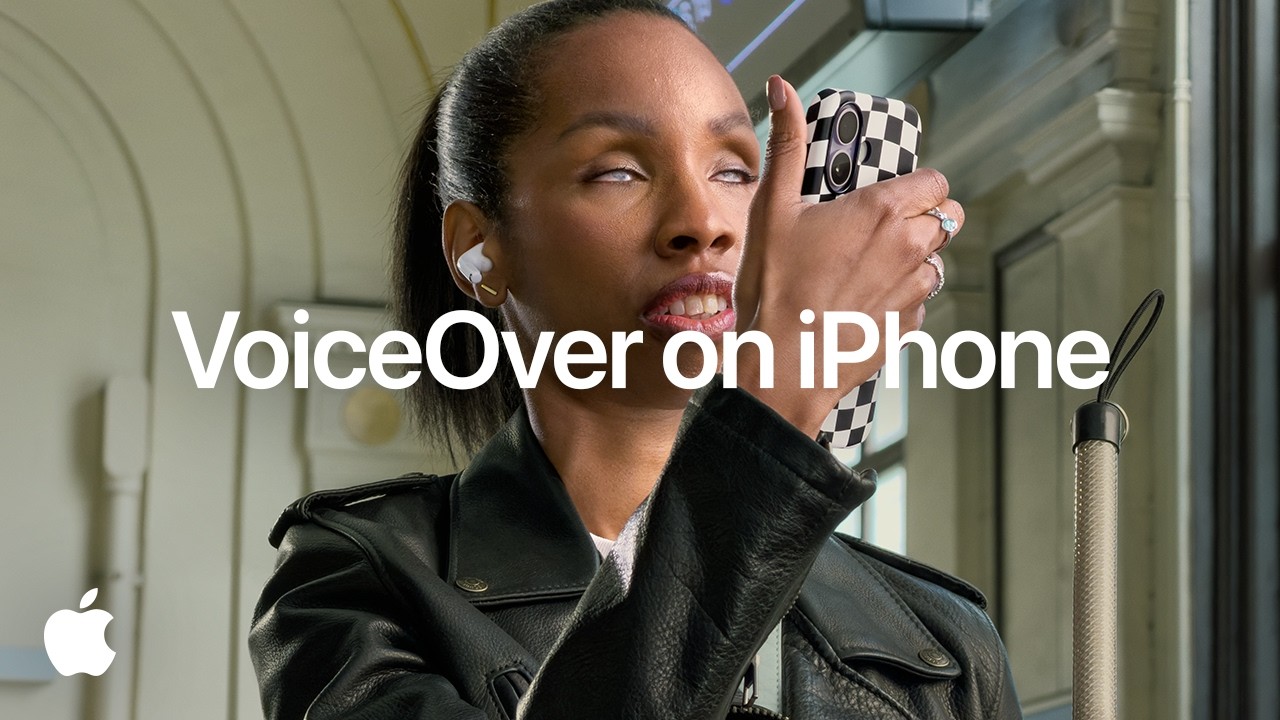
The iPhone will tell you the amount of the bill and when it is due. Users can also control the Magnifier feature by asking it to turn on the flashlight or to “zoom in.”
Correct me if I’m wrong but it sure looks like Apple just casually dropped agentic AI being built into iPhone
Yes, in this video it’s being used for Voice Control, but if a person can control their iPhone with natural language so can an AI agent! pic.twitter.com/S6DQOiQGsO
— Dylan (@DylanMcD8) May 19, 2026
The video clip shows a user in Files asking to “Tap the orange folder” and speaking other requests that the iPhone handles. According to a tweet from Dylan McDonald, the video shows that Apple built agentic AI into the iPhone.
Apple might have blabbed about agentic AI for Siri in iOS 27
This is important because if Siri 2.0 gets agentic AI features, Siri will be able to work to reach a goal (or complete a task) on your behalf. Instead of you selecting pictures you want to send to your friend Max about your trip to Yankee Stadium, you would ask Siri to email Max the best photos from yesterday’s trip to Yankee Stadium. An agentic version of Siri would go through the photos, eliminate blurry or bad pictures, and email the best shots to Max, all without human intervention following your initial request.
We could get to try Siri 2.0 in less than a month
A new accessibility feature will automatically show generated subtitles on videos
Accessibility Reader is for those with low vision and dyslexia who are trying to read something complex, like a scientific journal with columns, images, and tables. Users can get a summary of the article and use built-in translation if they need to.
Most of you are lucky and don’t need to use the accessibility features on your iPhone. But for those of you dealing with poor vision, blindness, dyslexia, or hearing loss, the tools that Apple provides allow them to have not only the ability to use a smartphone like so many others, it also helps them make it through each day of their lives.
