

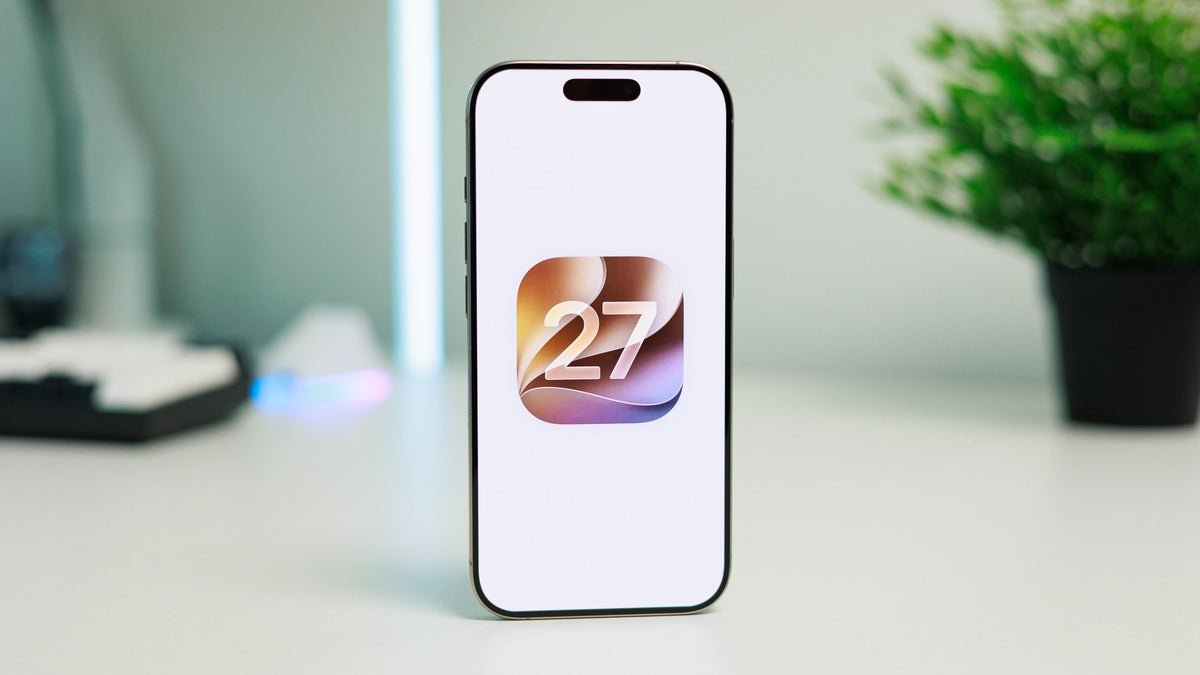
But looking past AI, there’s a trove of small but noteworthy additions to iOS that will land on your iPhone this September (or earlier if you’re feeling adventurous enough to try out beta software). The list is impressively extensive.

The iOS 27 changelog is a sight to behold. | Image by Apple
One simple slider redeems iOS 27 for me
Those were two of the main reasons I stopped using an iPhone as a daily driver and also abstained from upgrading away from Sequoia on my Mac.
While iOS 27 is not getting rid of Liquid Glass, Apple has actually listened for one and has introduced a new Liquid Glass customization slider that lets you fine-tune the appearance of your interface.
You can choose between a completely clear and a totally tinted Liquid Glass, but the great thing here is that you can set the slider at any level you want to perfectly customize how your Liquid Glass looks.
Liquid Glass is finally redeemed with iOS 27
Honestly, no. I think this will be a feature that most people, me included, will play around with once and immediately forget. After all, once you’ve set it to your liking, there’s little logical reason to ever tinker with this slider ever again.
But on the other hand, it clearly shows that Apple has heeded users’ feedback on Liquid Glass, which is a great thing to see.
Alarms enhanced
Another minor but exciting feature included with iOS 27 is independent alarm volume levels.
Up until now, alarm volume was interlocked to system and ringtone volume, which has been one of iOS’ longer-standing oversights.
With iOS 27, we get a dedicated toggle in the System & Haptics menu that allows us to decouple the system and alarm volume levels. If you disable the respective toggle, you can set a preferred volume level for iPhone alarms and timers, separate from the system one.
AI in all the right places
One default iOS app that I felt could make good use of AI is Shortcuts.
The insanely powerful automation app is a treasure trove for power users but also has a high barrier to entry, making it a bit complicated for users who might not know of all the intricate available options.
With iOS 27, artificial intelligence joins the chat and will automatically create a shortcut for you after you describe it plainly in a text field. Depending on the complexity of your prompt, the feature might or might not do a splendid job depending on the capabilities of the Shortcuts app.
That’s a useful feature if I’ve ever seen one, and since its arrival, I’ve already successfully “vibe-coded” a few fairly complex shortcuts on my Mac that I’ve struggled with for a long time.
Conclusion
It’s not all great though.
The cooler new features introduced with iOS 27 are exclusive to the latest iPhone models, despite tht Apple sold most of its previous devices as built for Apple Intelligence, but suddenly, we get iOS 27 with features that won’t be available on millions of contemporary iPhones that still boast perfectly good hardware.
With that out of the way, iOS 27 definitely does feel like a breath of fresh air with a ton of under-the-hood improvements and quality-of-life updates that aim to clean house after the messy iOS 26 update.
