

There’s a fundamental question you can ask of both the internet and real life: “How do I enjoy my time here without taking unnecessary risks?” In grass-touching meatspace, you can cut out processed foods, carry pepper spray and avoid skydiving without a partner.
But the best methods for staying safe online aren’t as intuitive. The internet is a massive town square where people are constantly bellowing deeply personal facts about themselves. It’s no surprise that it’s become a breeding ground for scams, theft and other criminal activity.
Given the breadth of dangers, it may feel easier to throw up your hands and say that whatever happens will happen. I’m here to tell you, though, that cybersecurity doesn’t have to be complex, difficult or time-consuming. You don’t need to be a hacker to foil a hacker — you only have to take advantage of simple tips and free apps designed to make you safer online. Whether you commit to all 12 detailed here or only focus on one, you’ll be much more secure for it.
1. Install security updates immediately
One of the most important things you can do to ensure your digital security is to install all software updates as soon as they become available on your devices. When you see the notification, don’t wait — train yourself to download the update immediately.
Not all software updates are about security, but the ones that are form your best line of defense against technical hacks. When developers discover a flaw that can be exploited, they ship an update to fix it. By the time the flaw gets patched, chances are very high that hackers also know about it, so any time lost means you could be the next to get exploited.
As you go down this list, you’ll learn that cybersecurity threats are less technical than you think. To counter the ones that are, however, there’s nothing more important you can do than install security updates.
2. Use strong passwords
Weak, easily guessed passwords are one of the most frequent causes of data breaches and malware attacks. If a password is one of the ten or so most common, an attacker may be able to guess it with no other information. If it’s connected to you — your birthday, say, or mother’s maiden name — it may be guessable from information anyone can look up online.
Even if your password is a random string of characters, it might still be guessable if it’s too short. Hackers can use programs to guess all possible combinations and try each one on a target account. The longer a password is, the more exponentially difficult it is to guess.
SEAN GLADWELL via Getty Images
That means you need passwords that are both long and meaningless to you. You might rightly complain that these are bastards to remember, but you’re in luck: password managers can do that for you. A password manager app or browser extension can create passwords when you need them, store them securely and fill them in automatically. All you have to remember is the one master password that unlocks all the others.
3. Set up two-factor authentication
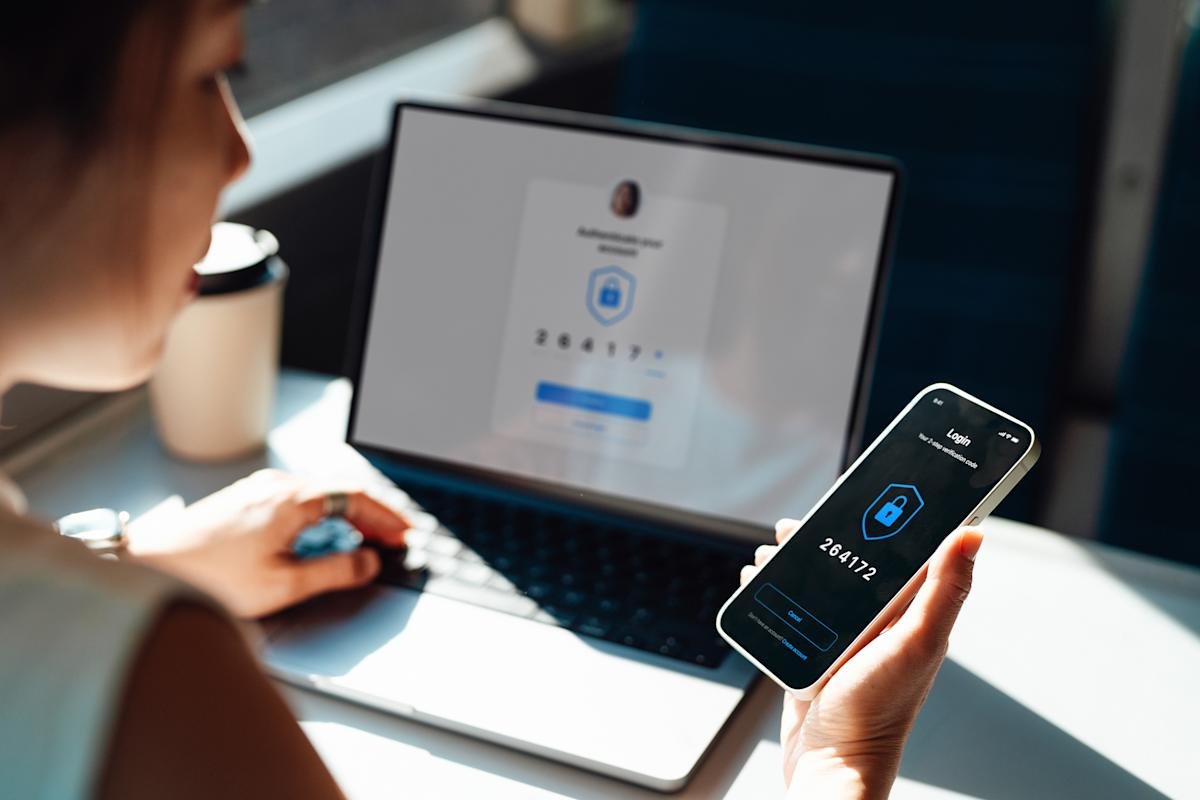
Even the strongest password might get revealed through no fault of your own, like if it’s stored without encryption and leaked in a data breach. That’s why it helps to have two-factor authentication (2FA), also known as multi-factor authentication (MFA), as a second secure layer on every account.
You probably already know 2FA as the irritating extra step that makes you go get your phone — but that’s not the only way to do it. Many apps, including Google and Apple, now let you log in through passkeys. These not only don’t require you to enter a code or password, but use asymmetric encryption, sharing credentials between your device and the service that runs the passkeys. It’s a lot quicker for you, and leaves nothing to steal.
4. Back everything up
Ransomware and its cousins are a growth industry within the cybercrime economy. These attacks corrupt your files or lock you out of them until you pay a fee to get them back. The easiest way to foil a ransomware attack, or to clear any other kind of malware off a device, is to restore the entire system from the most recent backup.
To make sure you actually have a backup, experts recommend the 3-2-1 rule: three different backups, on two different types of storage, with at least one physically distant from the main system. For example, you could have one backup on another device in your house, one in the cloud and one on a portable hard drive. Automatic backup services can save disk images for you at set intervals so you don’t have to remember to do it yourself.
5. Learn to spot social engineering
Despite all the technobabble flying around the cybersecurity world, a great many scams and hacks are accomplished through methods a 19th-century con artist would recognize. Scammers pose as experts or authority figures to gain your trust, and use frightening language to bypass your critical thinking. Ticking clocks, emotional manipulation and fake identities are all in the toolbox.
Alex Cristi via Getty Images
Take phishing, in which hackers trick you into giving up your information willingly. A typical phishing email might pose as a bank, credit bureau or other authoritative service. In red letters, it may demand your bank password or social security number to immediately fix an irregularity with your account. Other common approaches include warning you about speeding tickets you never incurred or sending receipts for subscriptions you never bought.
Social engineering attacks are constantly evolving, but they often fall back on the same strategies. The best way to foil them is to take a deep breath every time you receive a frightening email or text message, then research it in detail: look up the email address, check the visual design to make sure the sender is who they claim to be, and ask yourself if there’s any way the message could be true. I highly recommend working through this phishing quiz — it’s tough, but fair, and extremely educational.
6. Always check links before clicking
This is a companion to the previous tip. Social engineering scams don’t always try to get you to give up information yourself. They also get you to click on links that put secret malware on your device — like keyloggers that watch you type your passwords or ransomware programs that corrupt your files.
If you’re ever not sure about an email attachment or a link you’re being asked to click, copy the link (without opening it) and paste it into a URL checker like this one from NordVPN. These free tools can tell you if a link is associated with any known malware domains.
Sam Chapman for Engadget
You can also mouse over any link, then look at the bottom-left of your browser to see what URL it will take you to. If an email is from your bank, any links within it should go to your bank’s website. If it’s going anywhere else, especially to an unidentifiable string of characters, be suspicious.
7. Don’t overshare
Over the last two decades, lots of us have gotten into the habit of dumping all sorts of personal information on social media. This trend has supercharged the scam economy. It may seem harmless to broadcast the names of your kids or the dates you’ll be on vacation, but every piece of data you put into the world makes it easier for a stranger to get hooks into you.
For example, “grandparent scams” are on the rise right now. Grifters contact a target, usually a senior, pretending to be their grandchild. They’ll claim to be in a crisis and need money fast. The more information they have on their target, the more convincing their tale of woe will be. Social media is a prime place to study a potential victim.
Oversharing can also be a compounding problem. If you use weak passwords, your public information can be used to guess your credentials or answer your security questions. So, if you don’t have a password manager yet, think twice before you engage with that quiz post on Facebook that asks for the name of your childhood pet.
8. Use a VPN
I’m a big booster of virtual private networks (VPNs), but it’s important to be realistic about what they can and can’t do. Even the best VPNs aren’t total cybersecurity solutions — you can’t just set one and assume you’re safe forever. A VPN can’t protect you if you use easily guessed passwords, for example, or click on a malware link. It’s about hiding your identity, not making you invulnerable.
So what can a VPN do? In short, it replaces your IP address (a fingerprint that identifies you online) with another IP address, belonging to a server owned by the VPN. The VPN server does business with the internet on your behalf, while its conversations with your device are encrypted so it can’t be traced back to you.
Sam Chapman for Engadget
This means no third party can connect your online actions with your real-world identity. Nobody will be harvesting data on the websites you visit to sell to advertisers, nor building a file on you that an unscrupulous government might misuse. VPNs also protect you from fake public Wi-Fi networks set up by cybercriminals — even if a hacker tricks you with a man-in-the-middle attack, they can’t do much without your real IP address.
Many top VPNs, including my top pick Proton VPN, include ad blockers that can also keep cookies and tracking pixels from latching onto you. So, even if a VPN can’t do everything, you’ll be far safer and more private with one than without one. If you don’t want to pay for a new subscription right now, I’ve also compiled a list of the best free VPNs that are actually safe to use.
9. Run regular virus scans
The most important time to look for malware is when you’re downloading a file from the internet. Not only can unwanted apps hitch rides on seemingly safe files, but links can start downloads in secret, even if you don’t think they’re meant to be downloading anything. A solid antivirus program can catch malware as it arrives on your system, and if it’s uncertain, can lock suspicious files in quarantine until it knows whether they’re safe or not.
Dedicated antivirus apps are sometimes even capable of catching malware that hasn’t been seen or used yet. AV software uses machine learning to identify the common patterns of malware, filtering out new viruses that behave like old ones.
But what about malware that’s already gotten through the perimeter? An antivirus app can also check your computer at set intervals in search of unwanted apps, including those that might be masquerading as system files. Windows computers now come pre-installed with Windows Defender, which is enough to handle most of these tasks, but I recommend at least one anti-malware program on any device.
10. Use email maskers and private search engines
If you’re concerned about your information being misused or mishandled, remember that the less you put out into the world, the less danger you’re in. Keeping your private data off social media is one important step, but there are other ways your data gets disseminated — and other options for responding.
For example, you often need an email address to sign up for an online account. If you use your real email, your contact information is now floating around online, increasing the chance of someone using it to scam you (or at least adding you to mailing lists you never signed up for). To stay safe, use an email masker. These services give you a fake email address you can use to create accounts, which automatically forwards messages to your real address.
Sam Chapman for Engadget
Search engines, especially Google, are also notorious for building profiles on users by watching the terms they search for. You can dodge that by switching to a private search engine like DuckDuckGo, which doesn’t track anything you do — it’s funded by non-targeted ad sales on its search results pages, not by selling your data to brokers.
11. Use a data removal service
Speaking of data brokers: unfortunately, if you’ve been on the internet at any point in the last 10 years without taking intense precautions, your data is probably in the hands of at least one business that makes money by hoarding and selling it. These data brokers range from public-facing, people-search sites to private backend dealers.
Data brokers are poorly regulated and lax about safety. The longer one has your personal information, the more likely it is to leak. The good news is that most brokers (though not all of them) are legally required to delete your data if you ask them to.
However, there are a lot of data brokers out there, and they really want to keep your data. Each one makes opting out harder than uninstalling a Norton product — and hundreds of them may have files on you. To make the process easier, you can use a data removal service like DeleteMe or Surfshark VPN’s partner service Incogni.
12. Practice physical security
Let’s close out the list by getting a little old school. I’ve already discussed how many online scams depend on classic con artistry to work. By the same token, physical infiltration and smash-and-grab tactics still pose a threat to cybersecurity.
It doesn’t take too much imagination to see how this could work. If you leave your laptop or phone unattended in public, for example, someone might insert a flash drive that loads malware onto the system. In one illustrative case, a thief in the Minneapolis area would loiter in bars, watch people unlock their phones, then steal those phones and unlock them himself.
I’m not saying you need to be paranoid every second you’re in public. Just use the same level of caution you’d use to protect your car. Lock your phone with a biometric key so only you can open it, and make sure not to leave any device lying around if it can access your online accounts. And at work, be careful not to let anyone into a secure area if they don’t have the proper credentials.
