

Signal adds secure message backups to iOS
Losing or breaking your iPhone is now a little less of a headache, as Signal allows you to restore your secure cloud backups. However, the free version of the feature only allows storing up to 100 MB of text messages and photos, videos, GIFs, and files from the last 45 days.If you want a full backup, you’ll need to pay a $1.99 subscription fee. With it, you can save up to 100 GB of data, which can include all your texts and shared files.
Signal first launched the feature on Android in September, allowing users to create end-to-end encrypted backups of their chats. Accessing your backup requires using a 64-character recovery key, which is generated on your device. Signal warns that it can’t help users who have lost their recovery key.
- Open Signal’s Settings and select Backups
- Tap Setup, then Enable Backups > Next
- Write down your recovery key
- Confirm the recovery key and choose a plan
Another step in the right direction
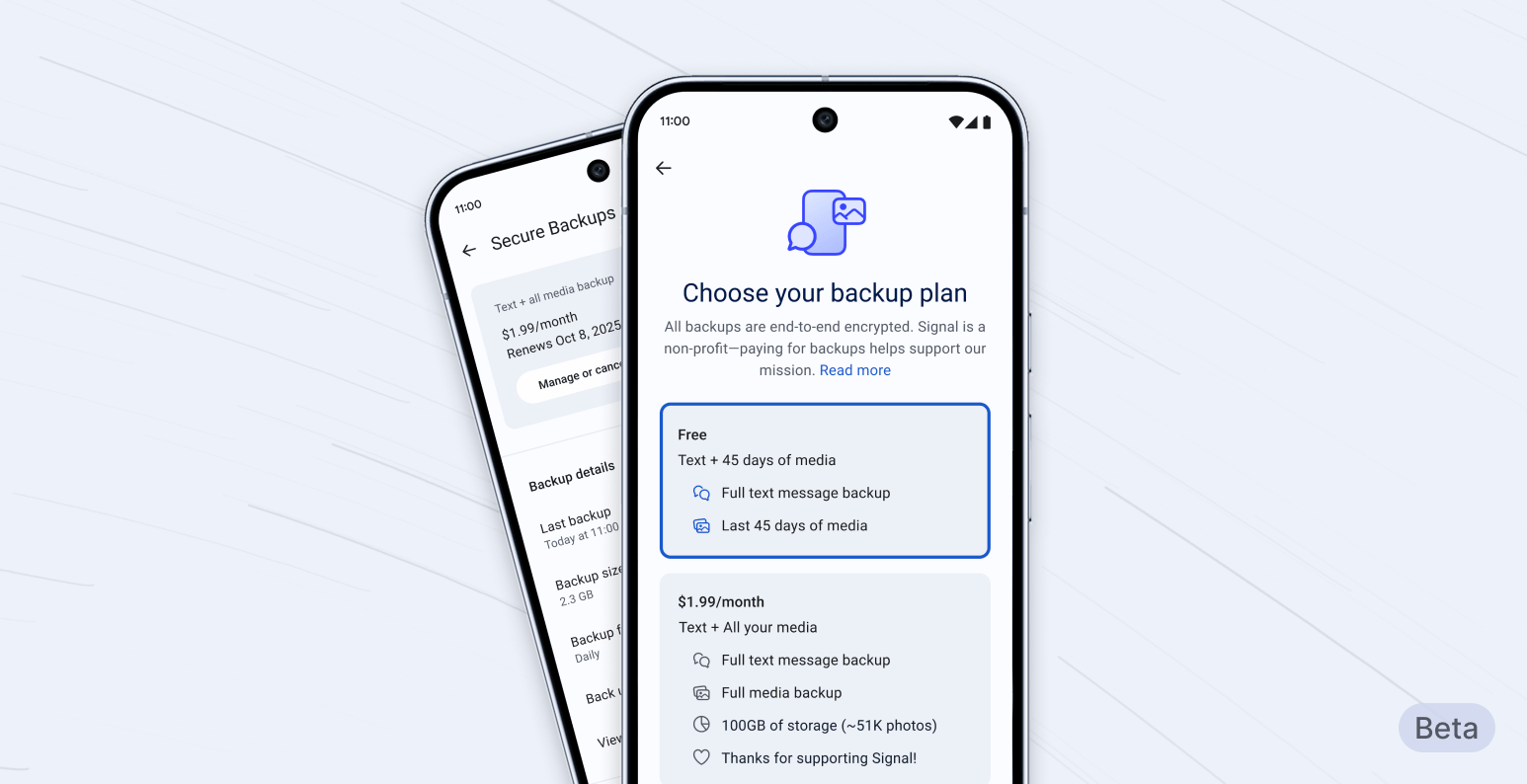
Signal’s chat backup feature is now available on iOS. | Image credit – Signal
Signal is the most popular security-focused chat app, and extending such an essential feature to iOS could only make it more popular. For now, the feature is not available on desktop, and the company has yet to allow users to transfer their encrypted messaging history between Android, iOS, and desktop. However, those features and an option for a downloadable backup are coming soon.
WhatsApp is probably the main competitor of Signal, and it has offered end-to-end encrypted backups for years. However, WhatsApp uses third-party cloud services, such as Google Drive and iCloud, to store backups, while Signal has its own security-focused system, which explains the subscription fee.
Worth it
I know that higher security usually comes along with worse features, but that was a long-overdue update for Signal. I don’t understand why, but many people think chat history is very important, so that feature could convince more people to switch to a more secure chat app.
