

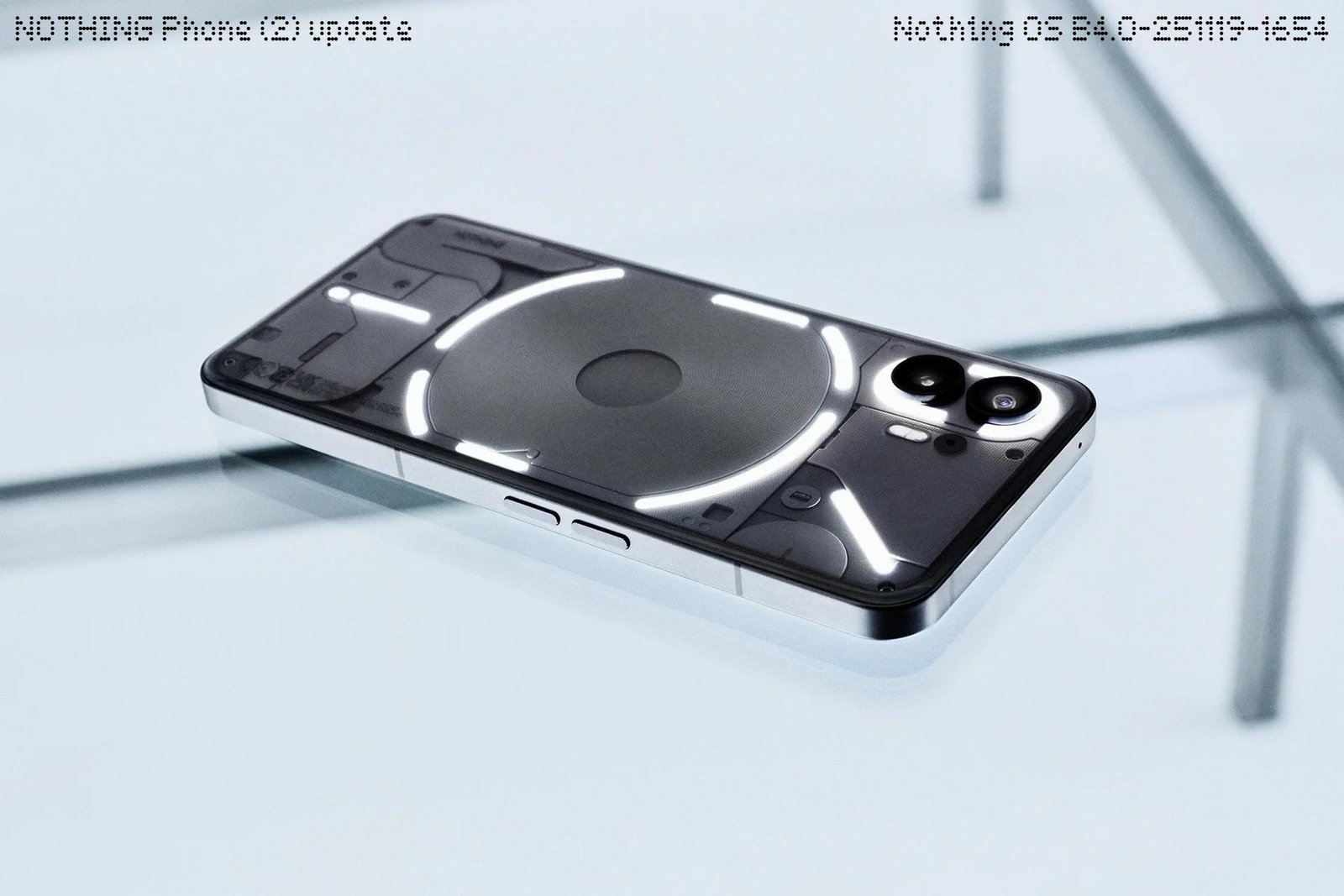
Nothing has started the stable rollout of Nothing OS 4.0 based on Android 16 for all eligible devices. The update was first released last week, and it is now officially available for the Nothing Phone (2), Nothing Phone (2a), and Nothing Phone (2a) Plus. The Phone (2) is receiving firmware version B4.0-251119-1654. The Phone (2a) is getting B4.0-251120-1747, and the Phone (2a) Plus is getting B4.0-251120-1812. Before initiating the update process, it is advised that users back their photos, contacts, call logs, and other data.
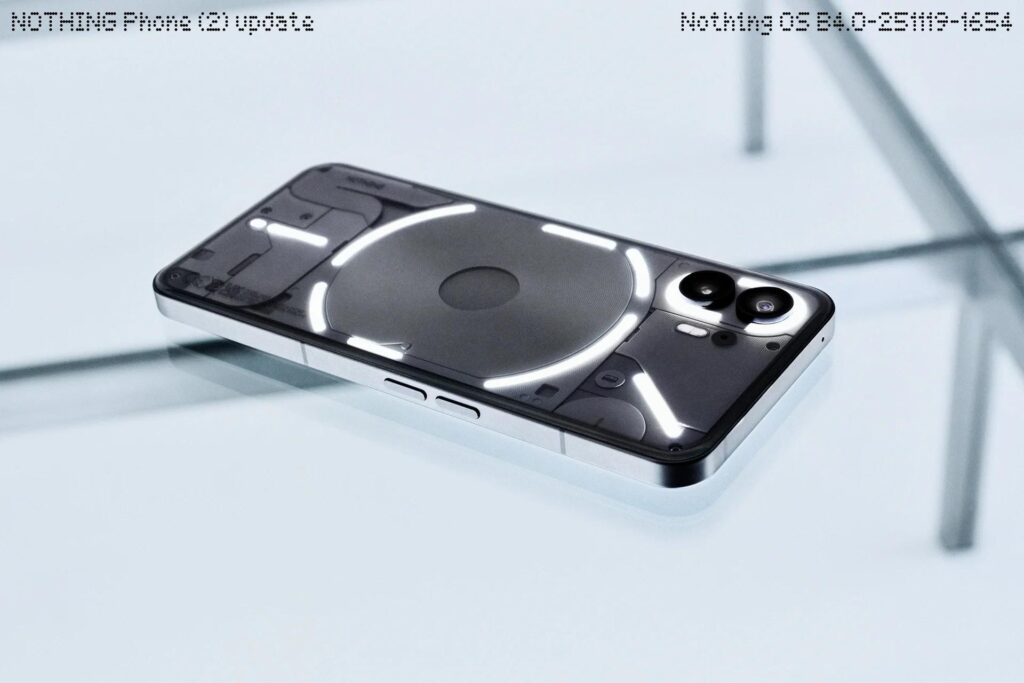
Nothing OS 4.0 brings several new features. Apps can now be hidden directly from the home screen and the app drawer, and all hidden apps can be found under Hidden icons in the app drawer. The app drawer also supports search scope control, which lets users choose what the search results should include. The Weather, Pedometer, and Screen Time widgets now have more size options. Most Quick Settings tiles now support a 2×2 layout. Pop-up view can hold two floating icons for easier switching, and the system adds a new app optimisation setting to speed up app startup times.
A new feature called Playground (Alpha) is included. It offers community-built content such as Essential Apps, Camera Presets, and EQ Profiles. Essential Apps (Alpha) are also open for download and use AI to offer simple tools created by the community.
There are several visual updates as well. Nothing’s app icons have been redesigned. The status bar icons now look clearer. The lock screen password page gets a wallpaper blur effect. Two new lock screen clock faces are available under Customisation. A new extra dark mode adds a deeper dark appearance. Some transition animations have also been improved.
Glyph Interface settings now allow users to choose whether Flip to Glyph activates Silent mode or Vibrate mode. Glyph Progress now uses Android 16 Live Update notifications for better support in third-party apps.
The camera gets new preset styles, filters with intensity controls, longer Motion Photos with audio, new watermarks, and a cleaner interface. The phone may heat up briefly after installing the update, but it will return to normal soon.
For more daily updates, please visit our News Section.
Stay ahead in tech! Join our Telegram community and sign up for our daily newsletter of top stories.
(Source)
