

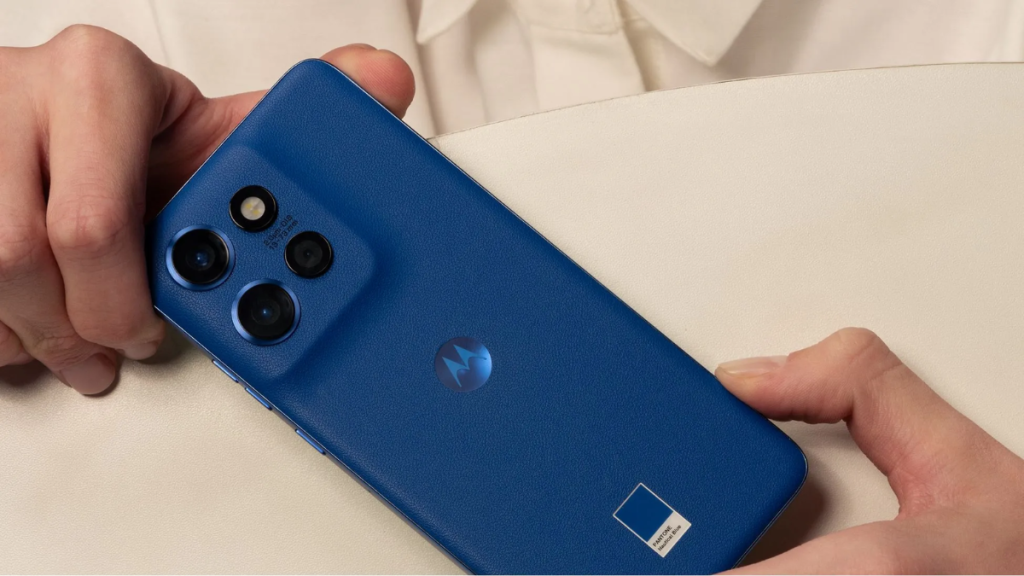
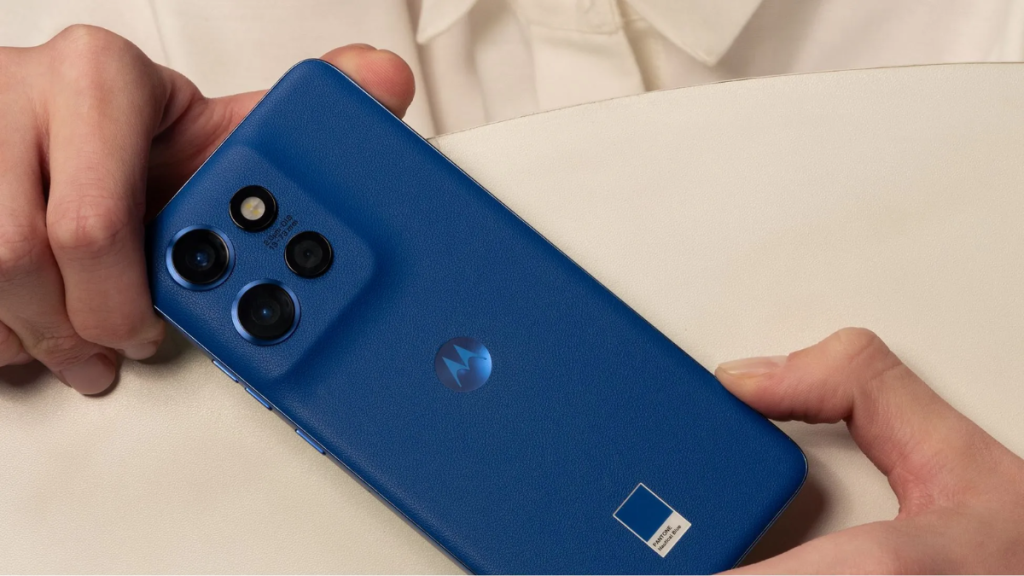
Motorola has opened access to the Android 16 beta program for eight additional devices. The list includes several high-end Razr models, a few Edge series phones, as well as a budget Moto G phone. The ThinkPhone 25 also joins the beta party.
The company announced the Android 16 beta program for these devices via multiple posts on the official forum, as spotted by Ytechb. Check the list below to find out if your Motorola phone is eligible for early access to Android 16.
- Motorola Razr 40 (India, Brazil, LATAM)
- Motorola Razr 40 Ultra (US, India, Brazil, LATAM)
- Motorola Razr 2023 (US)
- Motorola Razr+ 2023 (US)
- Motorola Edge 60 Neo (EMEA, Brazil, LATAM)
- Motorola Edge 50 Neo (EMEA, India, Brazil, LATAM)
- Motorola Moto G85 5G (India, Brazil)
- Motorola ThinkPhone 25 (EMEA)
If you own any of these Motorola smartphones and that you’re currently living in a supported region, you can apply for the Android 16 beta testing and get early access to the latest features and enhancements.
Here’s how to sign up for Motorola’s Android 16 beta testing program
- Create an account on Motorola’s community website (if you haven’t already).
- Visit the profile page and update your IMEI or serial number (SN) details.
- Opt in for MFN on your Motorola community profile.
- Always ensure that your phone is running the latest software.
- Go to the MFN Beta Testing Opportunities page to see a testing opportunity for your Motorola device.
- Tap on the registration link for your Motorola phone.
- Fill in the required details and submit your application.
Motorola may send updates regarding your beta application to your email. So, make sure to check your emails regularly. Also, check your spam/junk folder.
Once your application gets approved, Motorola will soon send the beta update to your device. To check for available updates, go to Settings > System updates and tap “Check for updates.”
The Android 16 beta for Motorola devices weighs over a gigabyte, so ensure that the device has sufficient storage. Also, make sure that it’s charged to at least 30% for a smoother upgrade to Android 16.
What’s new in Android 16 for Motorola devices?
The latest update brings a new Android OS, but don’t expect to see major design changes or exciting new features. That said, there are still several notable upgrades, including a new Notification cooldown feature that reduces the volume of incoming notifications when receiving too many notifications from the same app within a short time span.
The Android 16 update brings Do Not Disturb, Bedtime, and Driving modes in Settings > Modes. You can also create custom modes tailored to your specific needs. It also introduces a new feature that allows your Motorola device to connect to the hotspot of another device without entering the password, provided they are logged into the same Google account.
The hearing aids now work better with Motorola devices, allowing users to choose whether to use the hearing aid’s microphone or the phone’s microphone during voice calls. Users can also adjust the volume of ambient sound captured by the hearing aid’s microphone.
Additionally, the update enhances protection against evolving threats, improves compatibility with newer apps, and optimizes for smoother performance.
You can regularly visit the Motorola section on Gizmochina to stay up-to-date with the latest news and developments. Or, if you prefer instant updates, don’t forget to join our Telegram channel.
