

In the past, none of that mattered in a laptop this cheap. The MacBook Neo changed the rules, proving that design matters, even at this price. To get to this price, however, HP and Apple made very different compromises. The OmniBook 3 takes the approach of keeping 16 GB of RAM and 512 GB of storage at the tradeoff of using a slightly thicker, plastic chassis. For the right person, that’s the right choice.
The thicker chassis also makes room for some ports. On the left side, you’ll find an HDMI, a USB-A 2.0, and two USB-C 3.0 ports. The right side includes an additional USB-A 2.0 port and a headphone jack. These USB-A ports are a bit slow, only capable of 480 MB per second speeds, making it only really useful for connecting peripherals.
I criticized the MacBook Neo for using a USB-C 2.0 port at the time, so I have to carry that here too. It’s less confusing for users in this case since it’s USB-A, but I never like seeing a brand new laptop using a 25-year old connectivity standard. Also, I’d much rather have an additional USB-C port on the right side rather than the USB-A, if only just for the ability to charge from both sides of the device.
%2520overhead%2520keyboard%2520touchpad%2520SOURCE%2520Luke%2520Larsen.jpg)
Photograph: Luke Larsen
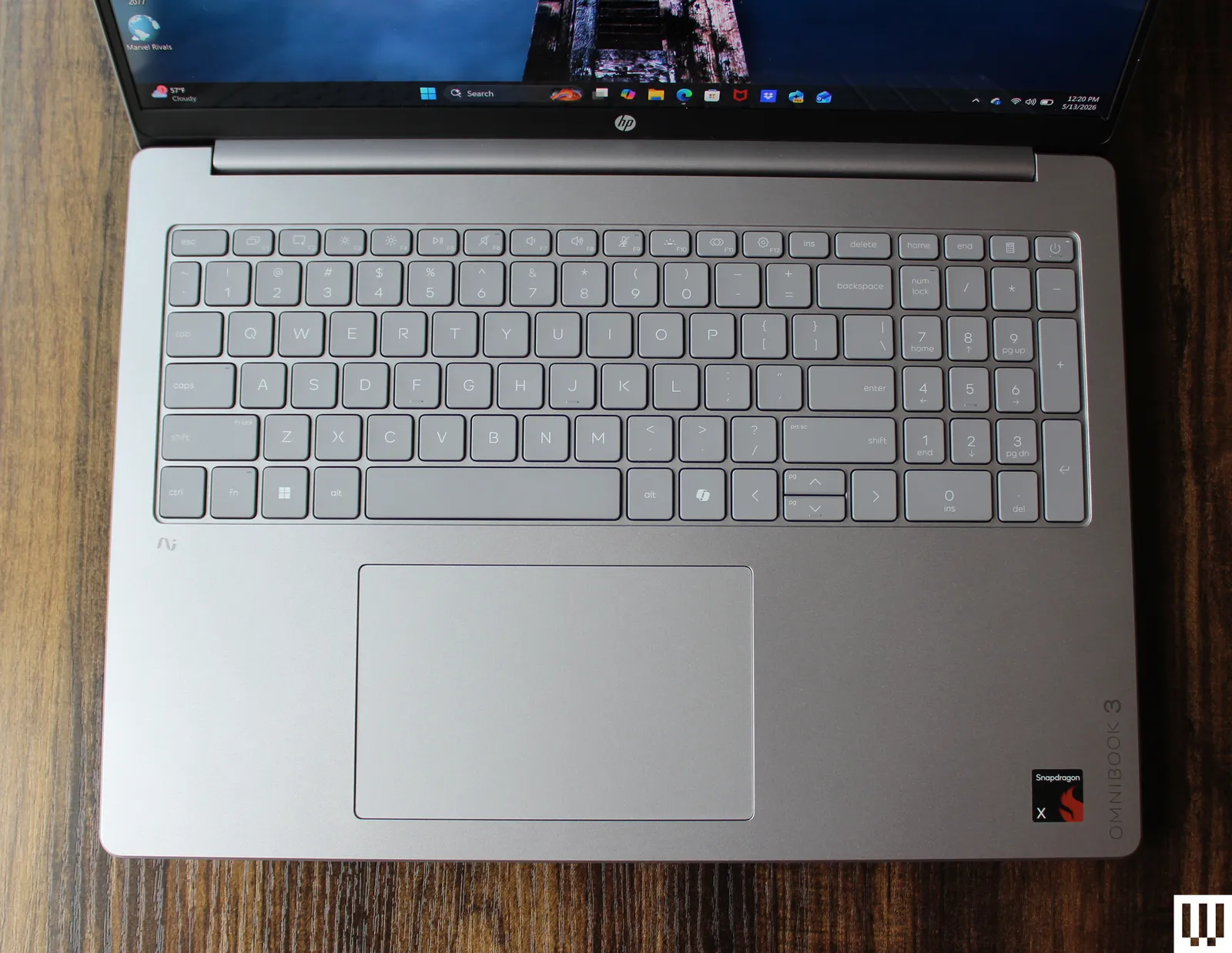
HP has said the touchpad has been improved in this year’s model, and it very well may be, as I never actually tested the 2025 version of the Omnibook 3. I did test the Omnibook 5, however, a laptop I recommended quite a lot, and the quality of the touchpad feels more or less the same. It’s not the worst I’ve used, but it’s definitely one of the cheapest-feeling components of the laptop. The click isn’t overly loud, though, which I appreciate.
The keyboard, on the other hand, feels precise and clicky. It comes with a numberpad to the right, which means the touchpad can’t be centered on the palm rests. This is typical, and as much as I’d prefer not to have the numberpad at all, attempts to center the touchpad like the Acer Swift 16 AI somehow make it worse.
