

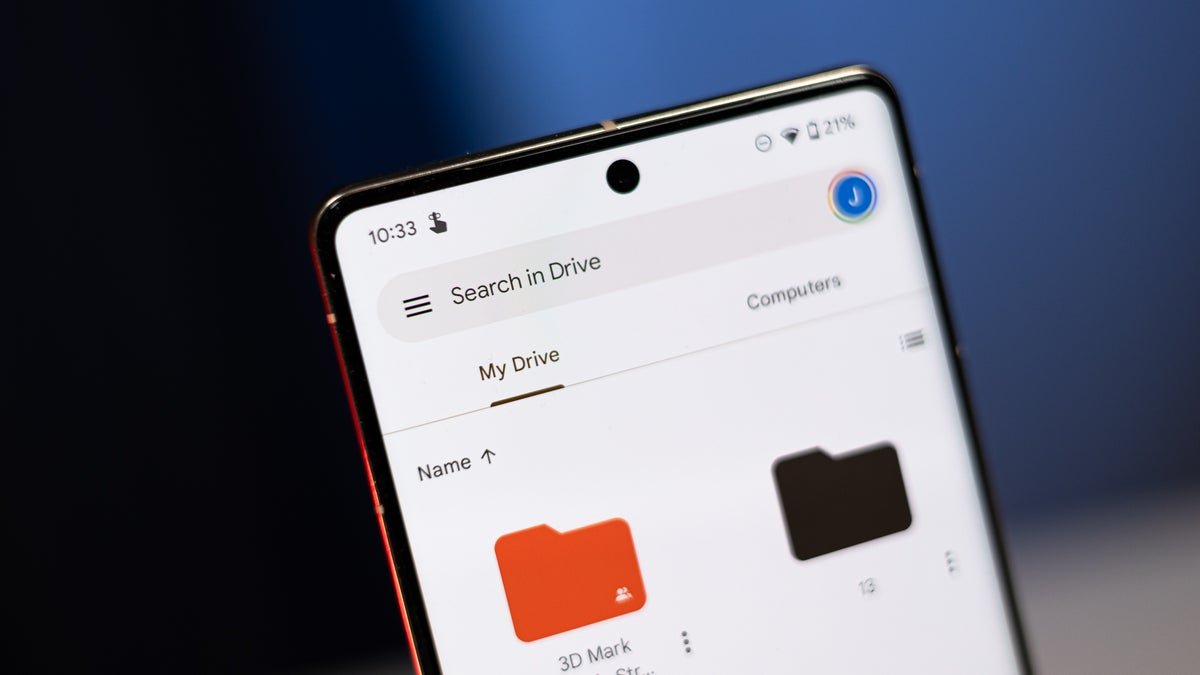
The Google Drive document scanner is getting a massive update
Google is rolling out an update for the document scanner tool inside Google Drive, which includes a Material 3 Expressive viewfinder and several new features. A screen recording with the update in action was shared by Android Ecosystem president Sameer Samat in an X post.
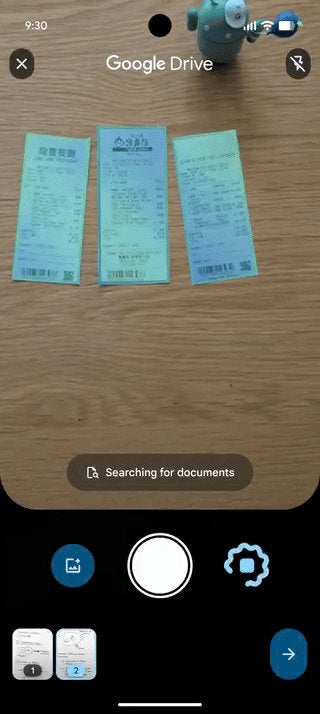
The new document scanner in action. | Image by Sameer Samat on X
The biggest new addition is a Smart Batch Scanning feature, which allows you to just hover over the pages you want to scan instead of taking pictures one at a time. Using this feature feels more like a video recording than scanning, with previews of the scanned pages quickly appearing at the bottom of the app.
Scanning made easier
Since you may hover over the same pages multiple times, Duplicate Detection takes care of skipping the ones you’ve already scanned.
The Auto-Best Frame feature automatically chooses the best possible shot of every document and replaces blurry scans. Gone is the beaker icon in the top right corner, making the interface cleaner and simpler to use.
You can also pause the auto-scanning with a dedicated button and use the system file picker to make a scan from an image you’ve already taken. The document scanner is powered by Google Play Services, which means it will also be available in apps like Files by Google.
Only for flagship devices
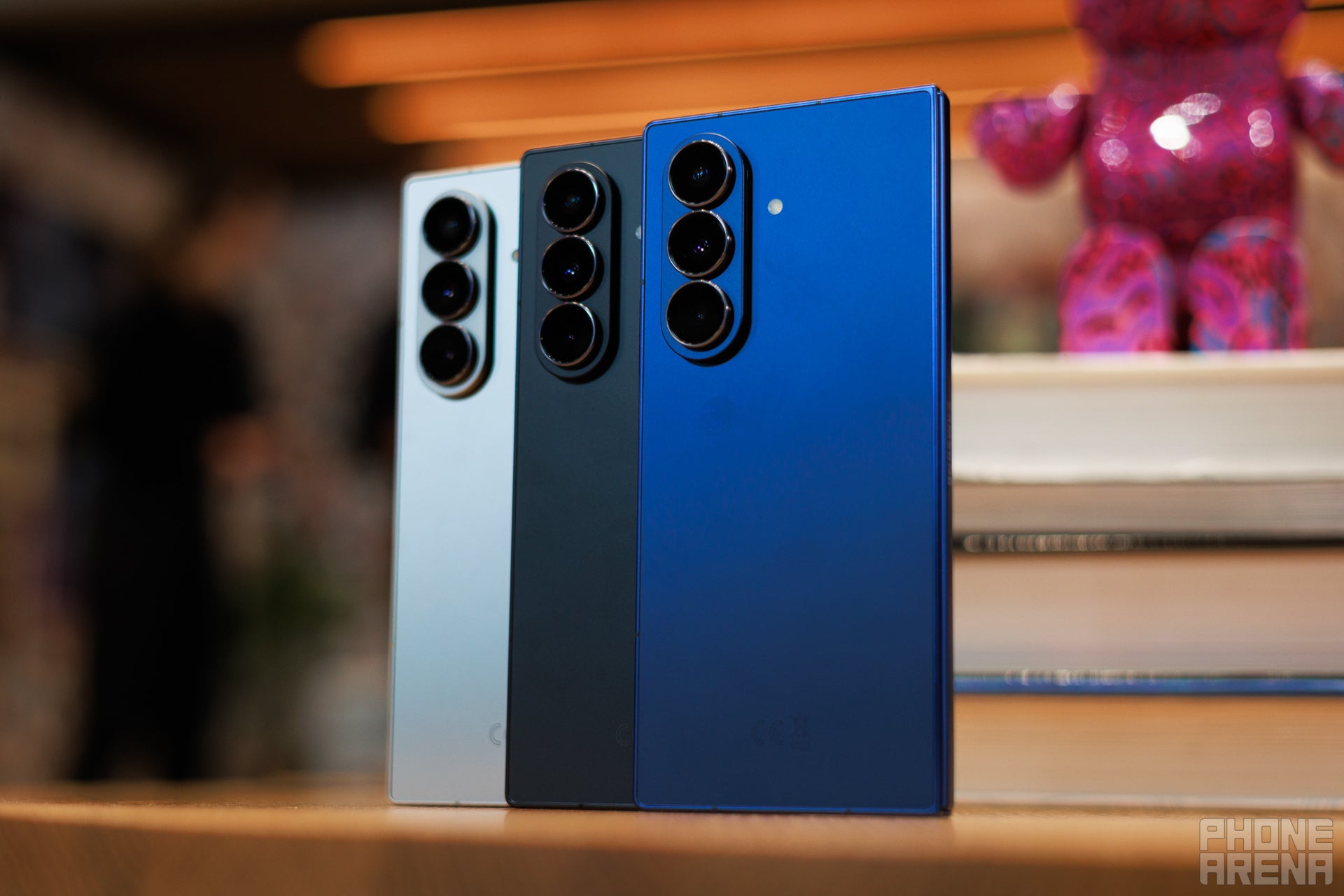
You can’t use just any device for the new Google Drive features. | Image by PhoneArena
The whole experience relies on 100% on-device processing. This means you get lightning-fast performance and complete privacy, and the feature works while offline, but there’s a downside to that.Google says the feature is only available for higher-end Android phones that have at least 8GB of RAM. That’s unsurprising, as the on-device features put more strain on the phone’s hardware.
Apple needs to catch up
There’s a document scan feature on iOS, but it’s far from what Google is demonstrating with this new update. Available on apps such as Notes, Files, and Mail, the feature can be a little clunky and lacks some advanced tools.
Google has been firmly ahead of Apple in terms of AI, but iOS 27 is expected to catch up. I doubt that a document scanning feature would be a central part of the WWDC 26 keynote, but I’d love to see a similar upgrade. After all, borrowing from the competition is not the worst thing ever.
