

What actually changed in the power menu
Open the power menu on a Galaxy phone running One UI 9 and you still see the same four options: Power Off, Restart, Emergency Call and Medical Info. Nothing new there.The twist is what happens when you back out. Instead of dropping you back on the screen you were using, the phone now jumps straight to the lock screen, according to this report.
So the moment anyone pulls up that menu, the phone is locked. No PIN, no entry, full stop.
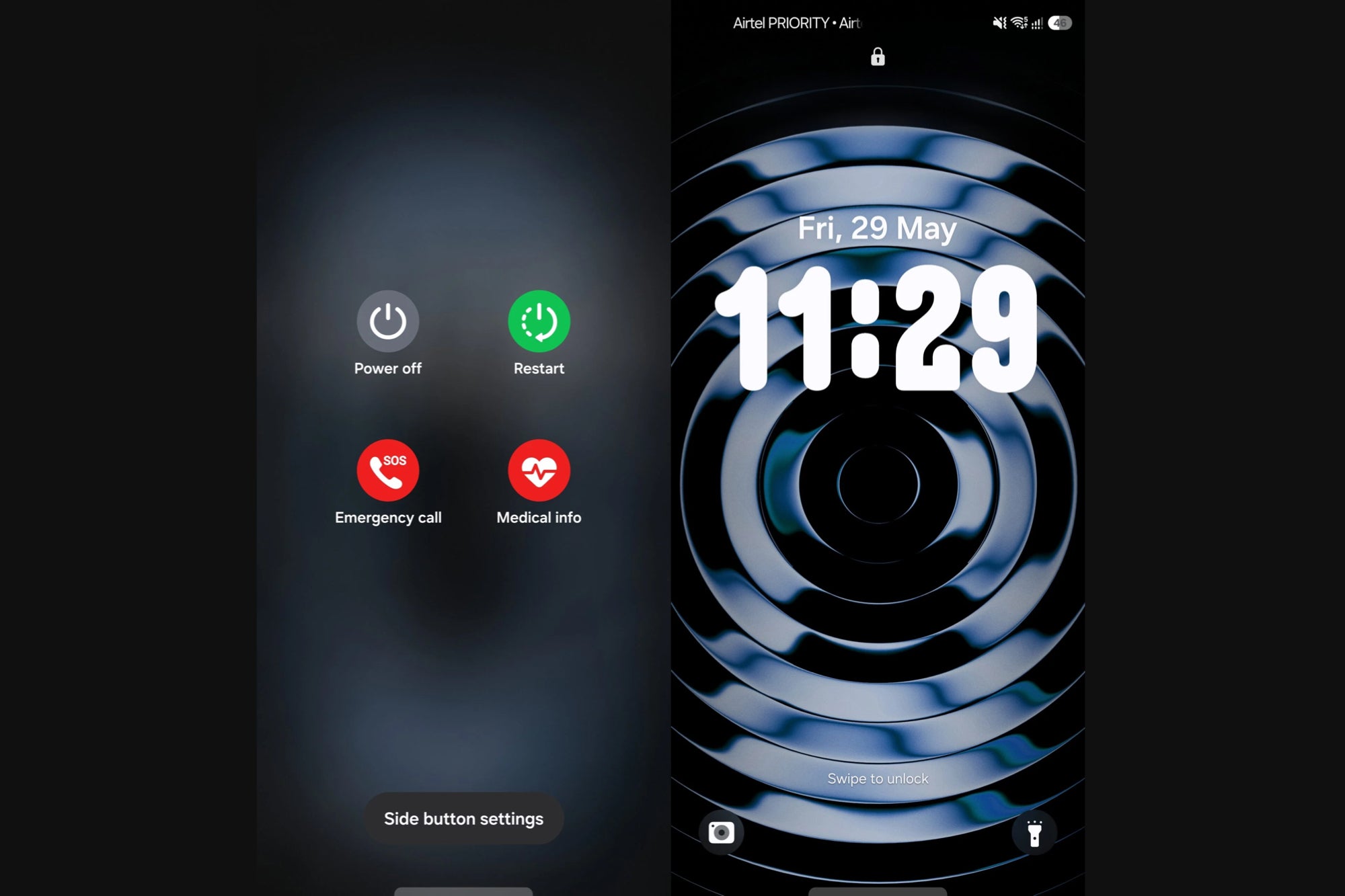
One UI 9 Power Menu and Lock Screen. | Image by SamMobile
Why such a small tweak slipped past everyone
One UI 9 (built on Android 17) is a light update on the surface, especially next to the feature-heavy One UI 8.5. The security footnotes never made the headline list when we previously laid out what to expect from the One UI 9 rollout.
The change showed up with the build that reached the Galaxy S26 series this week. However, it is not yet clear whether it arrived in the first beta or the second.
Why this matters more than the flashy stuff
Picture the classic snatch-and-run: someone grabs your phone while it is still unlocked and tries to kill the power so it cannot be tracked. That power-off attempt is the exact moment One UI 9 now blocks, because reaching for the menu locks the phone on the way out.Samsung is not the first to think of this. Apple already demands a passcode or Face ID before an iPhone will fully power down, and Google has spent the past year hardening Android against theft, as we saw with its multi-layered anti-theft update.
The boring wins are the ones that actually save you
This beats most of the AI party tricks Samsung loves to put on stage. A feature that protects your data the second your phone leaves your hand is worth more than another summarizer you will open twice and forget.The only real knock is that Samsung never announced it, so most owners will benefit without ever knowing why. That is mostly fine, the best security is the kind you never have to think about, but one line in the changelog would not have hurt.
