

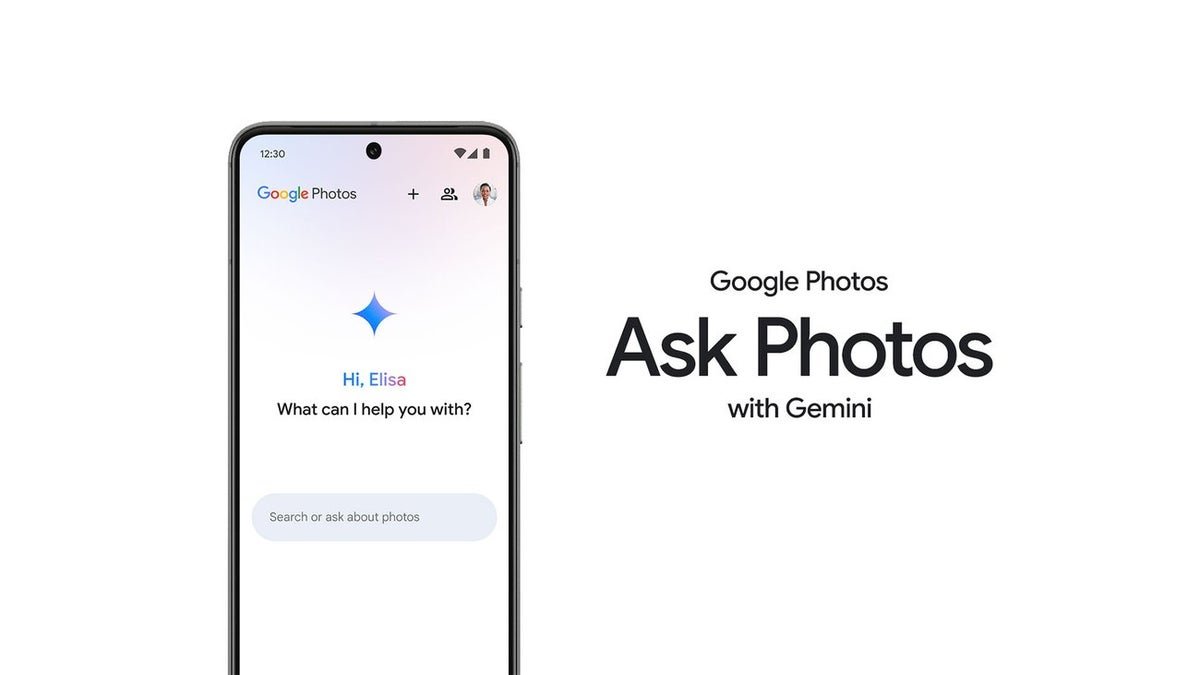
What is Ask Photos?
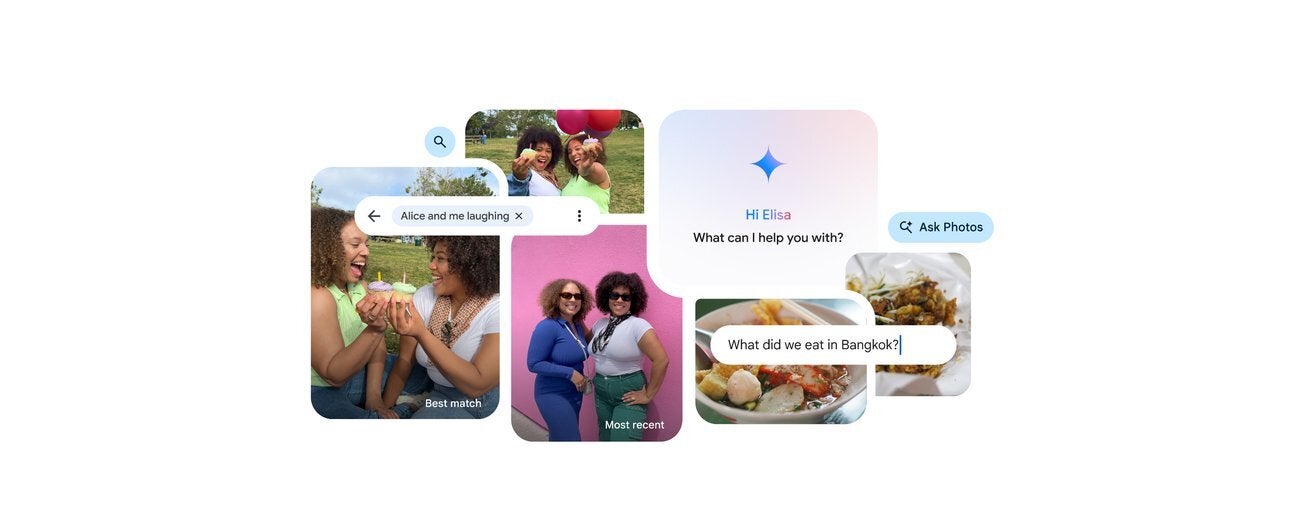
Ask Photos was supposed to make search easier. | Image by Google
Ask Photos is a new (still experimental) feature that leverages the power of AI and uses Gemini to offer people contextual search inside Google Photos.
Instead of typing a keyword, such as “vacation” or “Europe,” you just ask Gemini: “Show me the photos from my last vacation in Europe.”
As many of you might’ve noticed, the text in brackets says “experimental.” And for good reasons. Reports from unhappy users are still piling up on Google support pages.
Ask Photos still doesn’t work for many users
The latest Reddit thread in the GooglePixel subreddit reads, “Did Gemini ruin search in Photos?” Many users chime in in the comments, confirming that the feature isn’t working properly.
The unhappy user describes his problem like this:
I used to be able to search a word or phrase in my photos and then click to find photos with that text in it. Now I have to ask Gemini to find photos with that text in it and it doesn’t work. Is there any way around this?
The majority of users agree that the feature is not helpful and either doesn’t return any results or the results are not what people are looking for.
This is not the first time there’s a public outburst concerning the Ask Photos features. The last one dates from three months ago. “Gemini broke Google Photos,” reads the thread. The rather wordy description talks about the Ask Photos experience on iPhone 15:
I’m pretty disappointed, I know these are growing pains as everything matures but Google Photos was the undisputed king of image storage and organization imo. But with all of these AI updates, I find it increasingly frustrating to use. It’s beyond slow in almost every aspect, from launching the app to scrolling down to older images and editing — I’m not oven on an older phone, it’s an iPhone 15 and the app used to work flawlessly on inferior Chinese phones. Beyond loading speeds which may be relative depending on which phones we are using, the Gemini AI search is just plain inferior to the old system. It’s laggy and gives worse results to its predecessor. I like that I got Gemini Pro as a ‘free’ upgrade but the only thing keeping me in the service is the fact that Apple’s search is vastly inferior.
Ask Photos was plagued by issues from day one
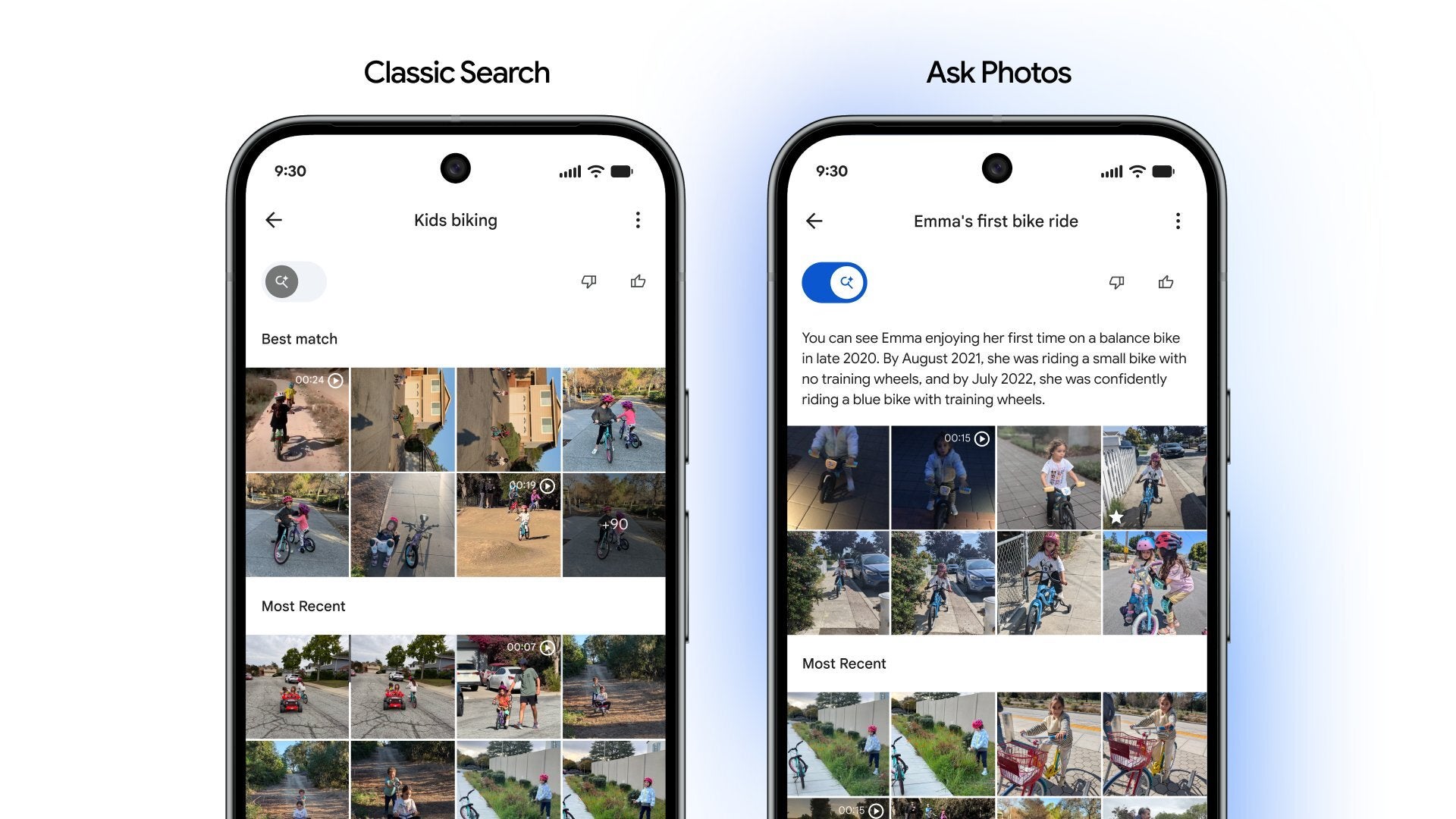
Google was forced to add the option to bring the old search back. | Image by Google
The Gemini-powered feature rolled out quite slowly. Google needed nine months to get the feature working properly and roll it out of the early-access stage.
Google acknowledged that the feature “isn’t where it needs to be, in terms of latency, quality and ux.” This was posted by Google Photos Project Manager Jamie Aspinall on X last June.
I hear you both. Ask Photos isn’t where it needs to be, in terms of latency, quality and ux. Rollout has been paused at very small numbers while we address these issues. In ~2 weeks we’ll ship an improved version that brings back the speed and recall of the original search
— Jamieasp (@jamieasp) June 3, 2025
Google even rolled out a patch, adding the option to use Google’s old search in Photos via a toggle.
How to disable Ask Photos and use the old search
The feature may or may not work as intended for you, after all, even Google treats it as an “experimental feature.” Thankfully, you can turn off the Ask Photos feature and revert to the old and simpler search in Photos.
Open the Google Photos app on your device and tap on your account at the top. Then select Photos settings > Preferences > Gemini features in Photos and turn off Search with Ask Photos.
What’s your experience with Ask Photos been like? Share your stories in the comments below.
