

As 2025 wraps up, ColorOS is rolling out an update focused on photography improvements, more customization options, and better day-to-day usability. The latest version includes noticeable updates to Camera, System, and Desktop features aimed at taking users into 2026.
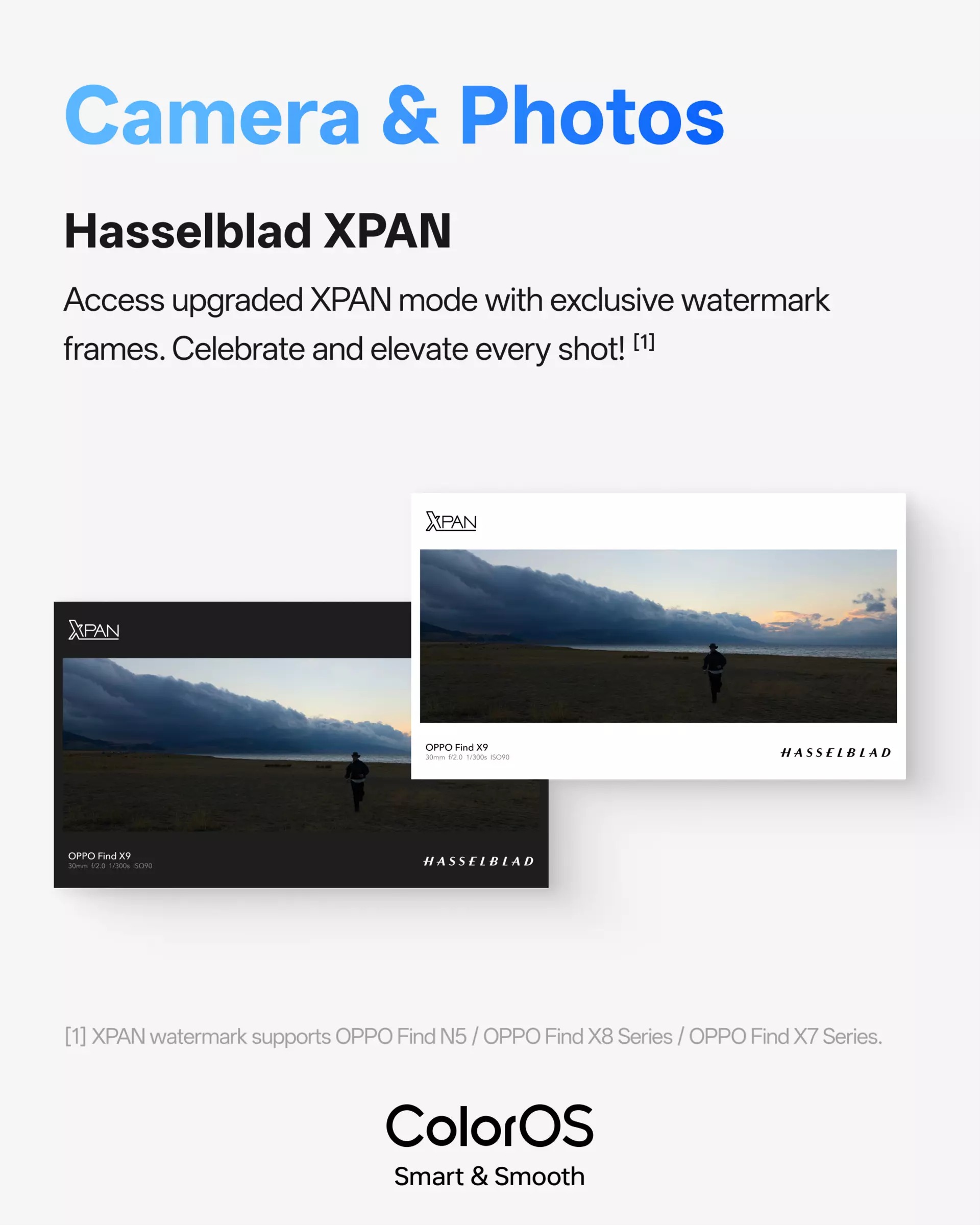
Photography gets the most attention this month. ColorOS has upgraded its Hasselblad XPAN mode for wide-format shooting. The updated XPAN mode lets you frame cinematic, panoramic shots with better depth and balance, turning landscapes and street photography into film-style images. There are also new exclusive XPAN watermark frames that add a polished look to your wide shots.

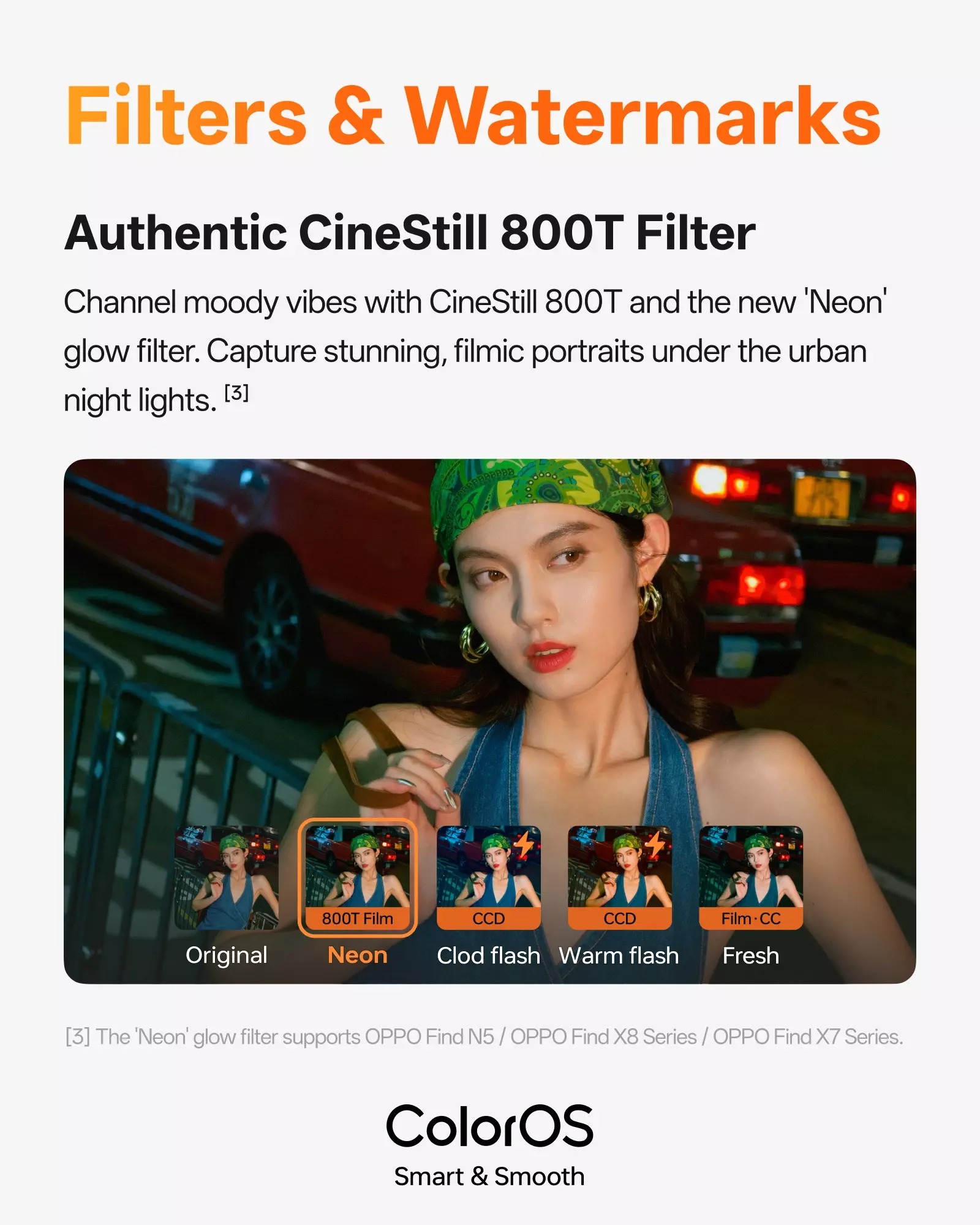
Night photography gets a creative upgrade too. A new CineStill 800T filter brings film-style tones that highlight urban lighting, contrast, and mood. Combined with the new Neon glow effect, the filter works well for portraits and night scenes where street lights, reflections, and bright spots matter. It creates a moodier, more cinematic feel compared to standard night modes.
For the holidays, ColorOS added a limited 2026 New Year watermark. The festive frame lets you add a seasonal touch to photos shared during the holiday season.

System customization is more flexible now. You can resize cloned app icons by dragging them, create quick shortcuts for actions you use often, and rearrange those shortcuts with drag and drop. These options help keep your Home screen organized and reduce the steps needed to access important functions.
Other improvements include the ability to stack 2×1 widgets to save Home screen space. System stability has been improved, along with privacy and security enhancements. Storage cleanup tools are now available directly from the Smart Sidebar, making file management faster.
Don’t miss a thing! Join our Telegram community for instant updates and grab our free daily newsletter for the best tech stories!
For more daily updates, please visit our News Section.
(Source)
