

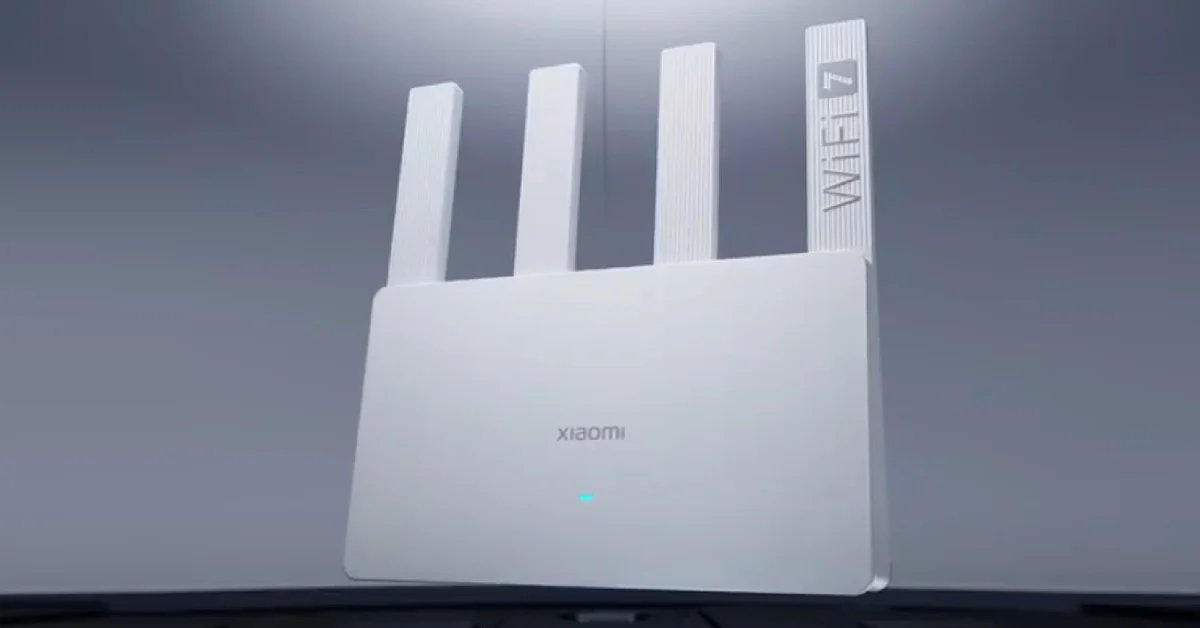
Although a new tech, Wi-Fi 7 has been around long enough now that it’s not a novelty in 2026. Subsequently, WiFi 7 routers are also making their way to the mainstream scene with claims of faster speeds and improved reliability.
Wi-Fi 7, officially known as IEEE 802.11be, brings a handful of meaningful technical upgrades. It supports wider channels, higher modulation, and something called Multi-Link Operation (MLO), which lets devices connect across multiple bands at the same time.
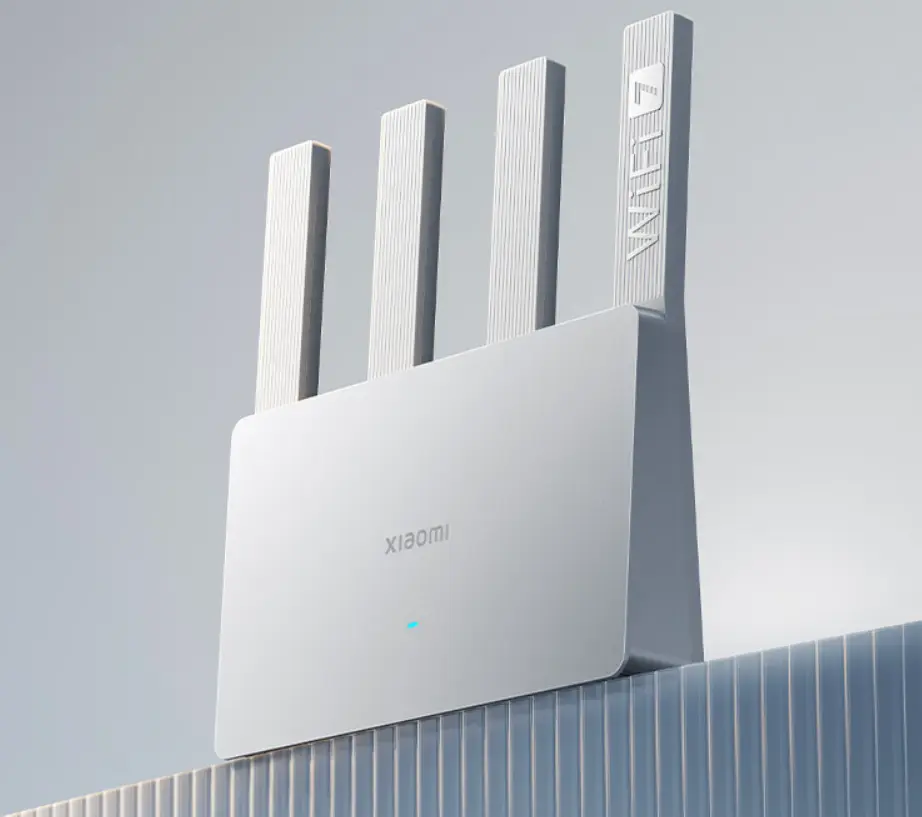
In theory, this should reduce latency and improve stability when networks are busy. So if you’re still on Wi-Fi 5 or an early Wi-Fi 6 router, moving to Wi-Fi 7 can feel like a noticeable upgrade.
Here are some of the more sensible Wi-Fi 7 routers you can buy in 2026. We try to break them by category and use case, rather than raw speed claims. Let’s go…
1. What Wi-Fi 7 Actually Changes at Home
It’s easy to get lost in marketing numbers, so it’s worth grounding expectations early. Wi-Fi 7’s headline speeds of up to 30Gbps are obviously not realistic for home internet connections.
However, where Wi-Fi 7 might make a difference is consistency. MLO allows devices to use multiple bands at once, which can help when one band is congested or unstable. The wider 320MHz channels in the 6GHz band also help in areas where interference is minimal, though its range is even more limited than the 5GHz band.
The other benefit is longevity. Wi-Fi 7 routers are likely to remain relevant for longer as laptops, phones, and consoles will start widely adopting the standard in 2026.
2. ASUS RT-BE96U
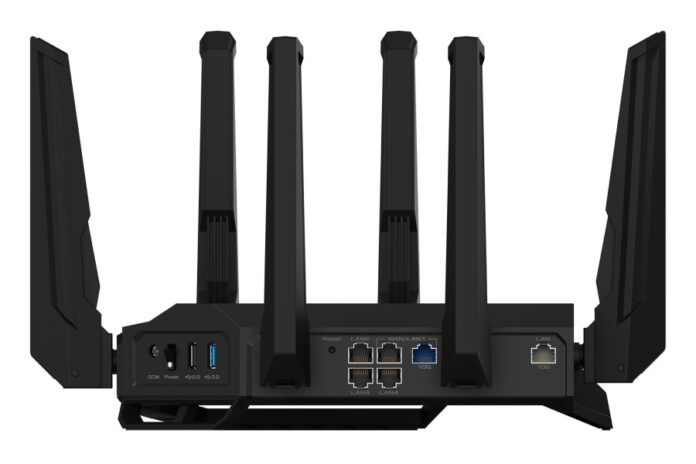
ASUS’s RT-BE96U is our pick for the best overall performance router. It’s a tri-band Wi-Fi 7 router with strong overall performance, a generous selection of ports, and a full suite of security and management tools you expect from Asus.
The hardware includes multi-gig Ethernet ports, including 10Gbps options, which makes sense if you’re running a NAS, a desktop workstation, or faster-than-gigabit internet.
As you know, the router operates on all three 6 GHz, 5 GHz, and 2.4 GHz frequency bands. The 6GHz option gives the best speed and reduced interference, and it also supports Multi-Link Operation (MLO) tech.
Moreover, the RT-BE96U comes with features like parental controls, traffic monitoring, and security tools, all without a subscription service. It’s a bit aggressive to look at with those eight antennas, but that’s Asus style for routers.
The downside is that it’s still a large, expensive router. If your home is small or your internet usage is basic, much of what it offers might go unused.
3. TP-Link Archer BE800 and BE900
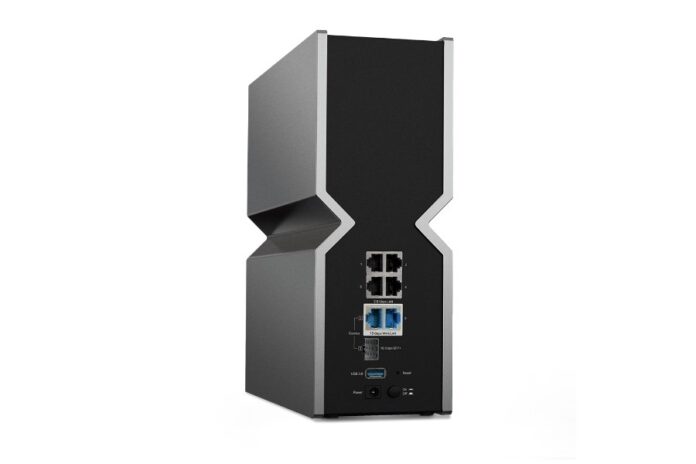
TP-Link Archer BE800
TP-Link’s Archer BE series takes a slightly different approach. Both the BE800 and BE900 focus on offering a mix of strong wireless performance and flexible wired connectivity.
The BE800 is arguably the more practical of the two. It offers tri-band Wi-Fi 7, dual 10Gbps ports, and multiple 2.5GbE LAN ports. That makes it useful not just as a wireless router, but as the center of a home network where wired connections still matter.
The BE900 pushes speeds higher, at least on spec sheets, but the real-world difference between the two could be limited unless you have a very specific setup. Both routers are large, heavy, and clearly designed to be stationary fixtures rather than something you tuck out of sight.
TP-Link’s software is simpler than ASUS’s, which can be either a benefit or a limitation depending on how much control you want.
4. TP-Link Archer GE400
However, not everyone wants to spend flagship-level money on a router, especially when Wi-Fi 7 devices are still becoming common. The Archer GE400 exists for that middle ground.
It’s a dual-band Wi-Fi 7 router, which means it skips the 6GHz band you’d get with tri-band models. And while that limits total capacity, it’s good for apartments or smaller homes. You still get Wi-Fi 7 features like MLO, along with 2.5GbE ports and generally solid performance.
The Archer GE400 also features customizable RGB lighting on its exterior. You even get a dedicated Panel that shows network status, router vitals, and controls to accelerate network performance for gamers, and manage RGB lighting.
5. Netgear Orbi 370

Mesh systems are where Wi-Fi 7 pricing becomes harder to justify. However, the Orbi 370 is one of the few mesh networks that brings costs down to something closer to mainstream territory.
It’s not the fastest Wi-Fi 7 mesh system available in the market. But what Netgear focuses on is to provide reliable coverage across larger homes with support for modern features like MLO and 2.5GbE ports. The Netgear Orbi 370 comes in a three-pack station, enough to tackle dead zones on at least two floors.
Orbi’s trade-off, however, is peak performance. It doesn’t support the 6GHz band, which means it’s also a dual-band WiFi 7 system.
Netgear also sells more expensive Orbi systems for people who want fewer compromises. The Orbi 770 and 970 offer better throughput, stronger backhaul options, and more multi-gig port support.
The Orbi 970, in particular, feels designed for homes with very fast internet connections and a lot of devices. It performs well, but it also costs enough that you need a clear reason to buy it. For many households, the difference between it and a cheaper mesh system won’t be obvious in daily use.
6. Choosing a Wi-Fi 7 Router in 2026
So if you’re still determined to buy a WiFi 7 router, make sure not to just go after speed. A change this big should also bring quality-of-life improvements that actually make a difference.
So if your current router struggles with coverage or device load, upgrading can make sense. If everything already works fine, spending on Wi-Fi 7 might not be a good option unless you absolutely want it.
For more daily updates, please visit our News Section.
Stay ahead in tech! Join our Telegram community and sign up for our daily newsletter of top stories.
