

According to an APK teardown conducted by Android Authority, Android’s now-standard Gemini assistant might soon become minimizable so that it can continue working in the background and not impede your browsing experience.
Wait, isn’t Gemini already minimizable?
Well, not really.
After you’ve interacted with the assistant on your device, you can close it from the current screen and access the chat later. However, at the moment you can’t really minimize Gemini while it’s working and continue where you’ve left off.
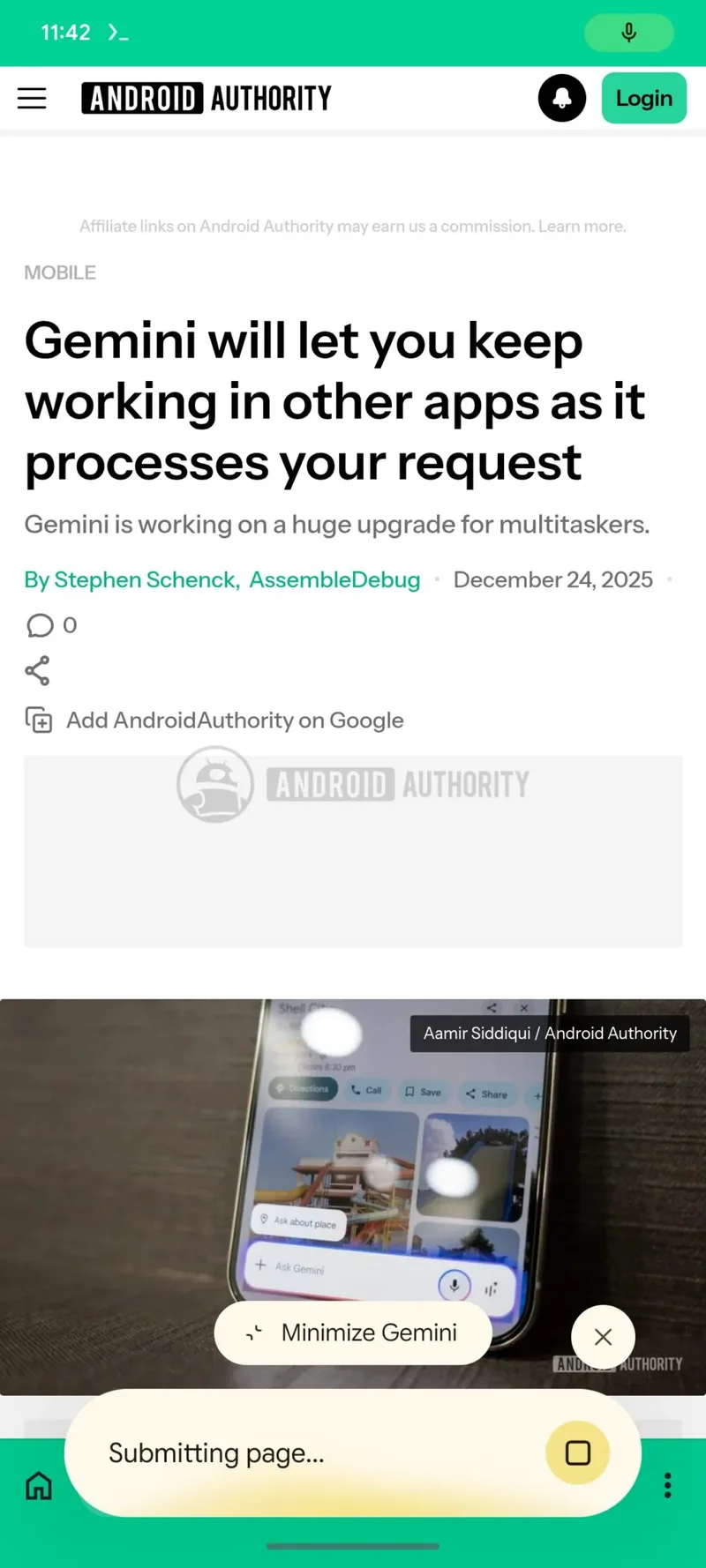
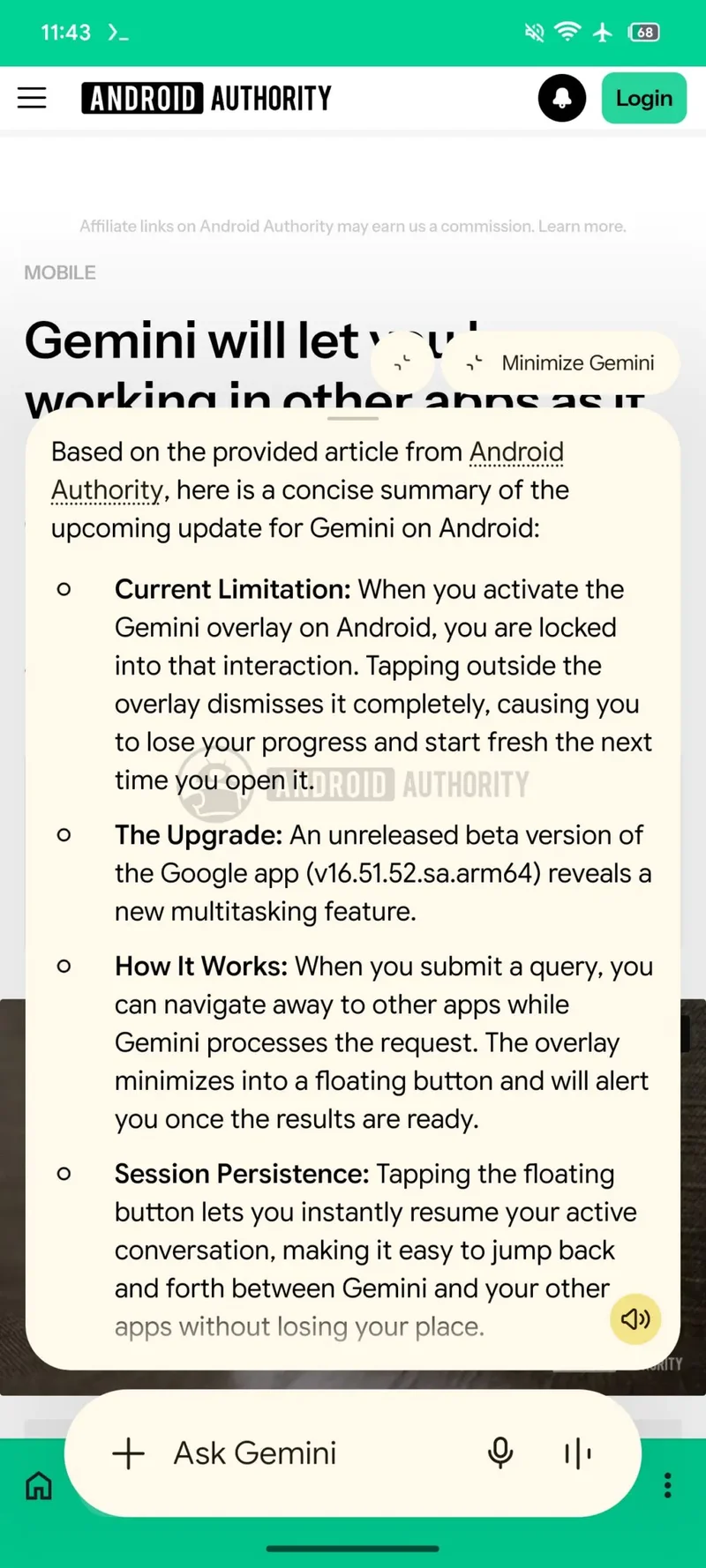
That’s about to change, as a new button immediately above the Gemini interface will allow you to do just that. As per the new feature seen in version 17.30.26.sa.arm64 of the Google app on Android, the assistant can shrink to a floating app bubble that you can move around while it’s doing the heavy large-language model lifting in the background for you.
Google is best when it takes quality-of-life upgrades seriously
The best part? You can minimize Gemini no matter what it’s doing, be it processing your request or spewing out an answer.
The “Minimize Gemini” button will also remain available to you at all times while you’re conversing with Gemini so that you can always flick it away and continue where you’ve left off.
Honestly, that’s a genius feature that should have arrived a long, long time ago, but as usual, hindsight is 20/20.
I love such features
Might sound naive, but I adore such feature updates.
Although Gemini has been getting some flak about its tendency to overhallucinate recently, I still rely on it as my go-to digital AI assistant due to the ease of use and the fact it’s preloaded on every Android device I can possibly reach out to.
