

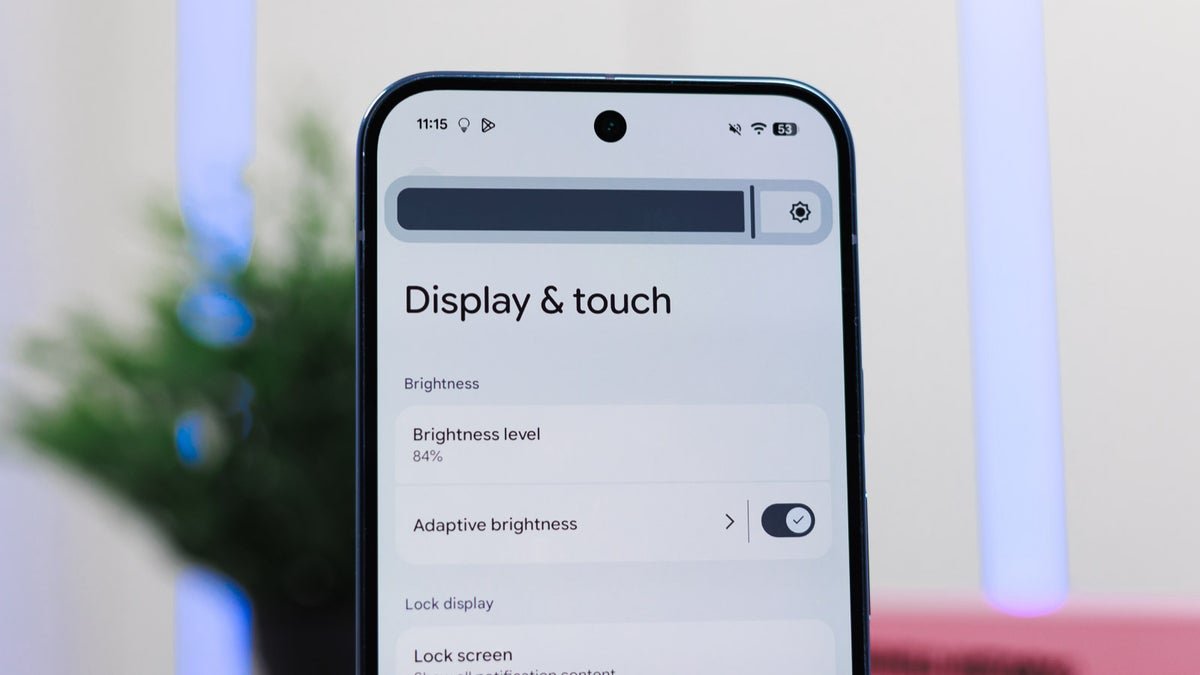
What Google’s Comfort Filters actually do
Google has rolled out a new feature called Comfort Filters on Pixel phones, and tucked inside it is Comfort View. This mode swaps your screen’s standard RGB colors for softer, pastel versions, so reds get gentler, blues get cooler, and the whole display feels less aggressive on your eyes.It joins the existing Night Light feature under this new umbrella, and you can run both at the same time. According to a new report, Google says Comfort View was built for people who find OLED’s punchy, vibrant colors a bit much, especially in darker rooms.
It should be noted that Google did not categorize this as an accessibility feature. It’s framed as a comfort and aesthetic choice, which is an interesting distinction given how many people genuinely struggle with how intense modern OLED panels can get.
How to turn on Comfort View
To turn Comfort View on, just follow the below steps:
- Open Settings on your Pixel running the April Android 16 build or later
- Tap Display & touch
- Scroll down and tap Comfort Filters
- Toggle Comfort View on
- Uncheck the Dynamic box if you want to drag the strength slider yourself
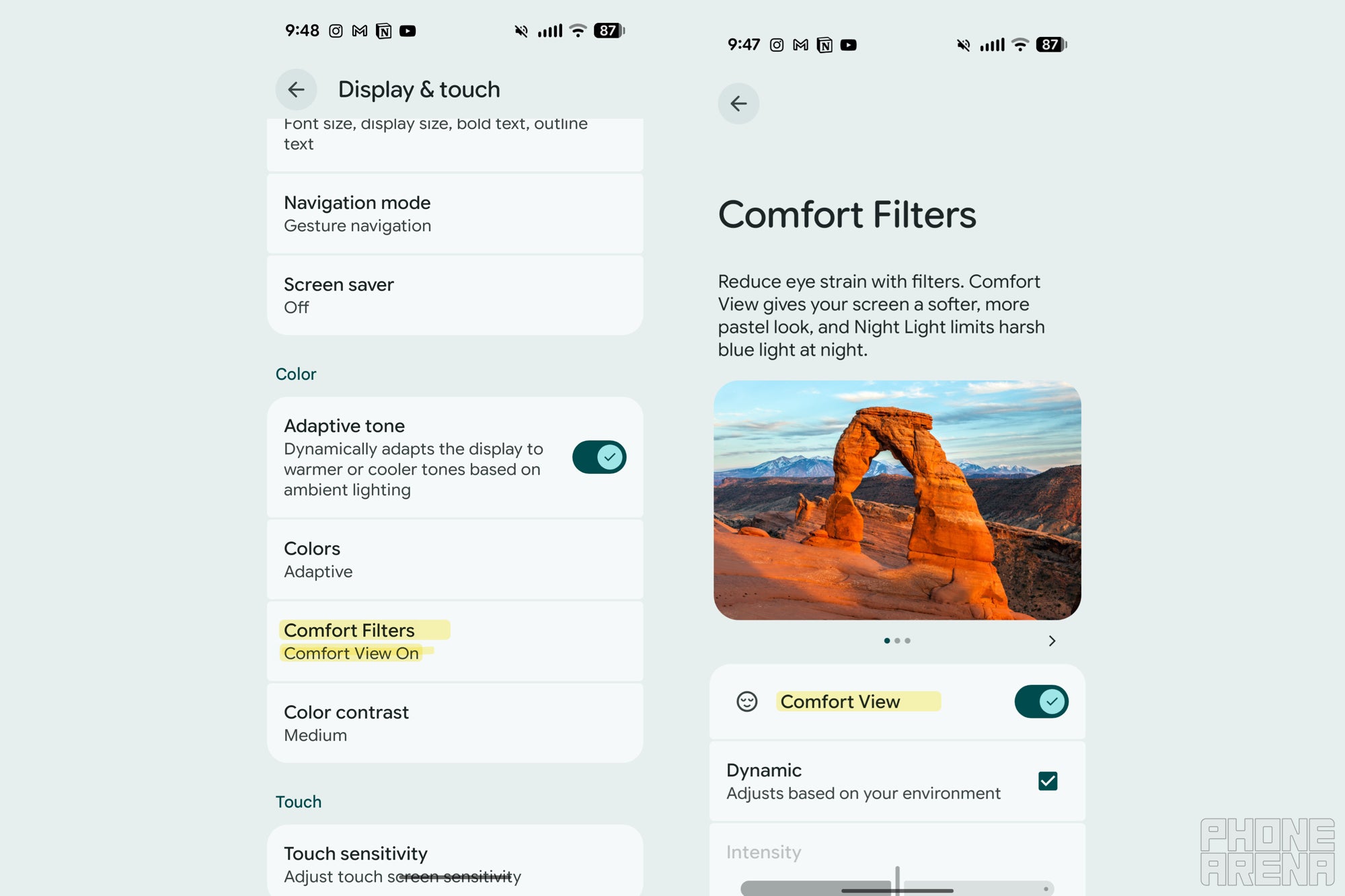
Pixel’s new ‘Comfort Filters’ setting. | Image by PhoneArena
Why this matters more than Google is letting on
In our Pixel 10 Pro review, we called the screen amazing, fast, and very bright. That’s exactly the kind of display that benefits most from a comfort mode, because all that brightness and saturation can wear your eyes out fast.This is also the second eye-comfort feature Google has added in under a year, following the Sensitive Eyes setting introduced with the Pixel 10 Pro family. Apple gave us Display Pulse Smoothing on iPhone 17, sure, but Samsung is still dragging its feet on PWM dimming, and neither has anything quite like Comfort View.
My early impression after flipping the switch
I’ll be honest, I had this feature sitting on my Pixel 10 Pro Fold for a while and never bothered to turn it on. I finally enabled it while writing this, and within minutes I noticed my eyes felt less strained, which is wild for something so simple.
I’ll need to live with it for longer to see if the pastel look grows on me or starts feeling washed out, but my early take is positive. It’s a quietly thoughtful addition that does more for daily comfort than most flashy AI features, and it’s another reminder that the small stuff Google bakes into Pixel phones often hits harder than the headline-grabbing tools.
Want my hot takes and behind-the-scenes coverage? Come follow me on X and Threads. I’d love to hear what you think of Comfort View once you flip it on.
