

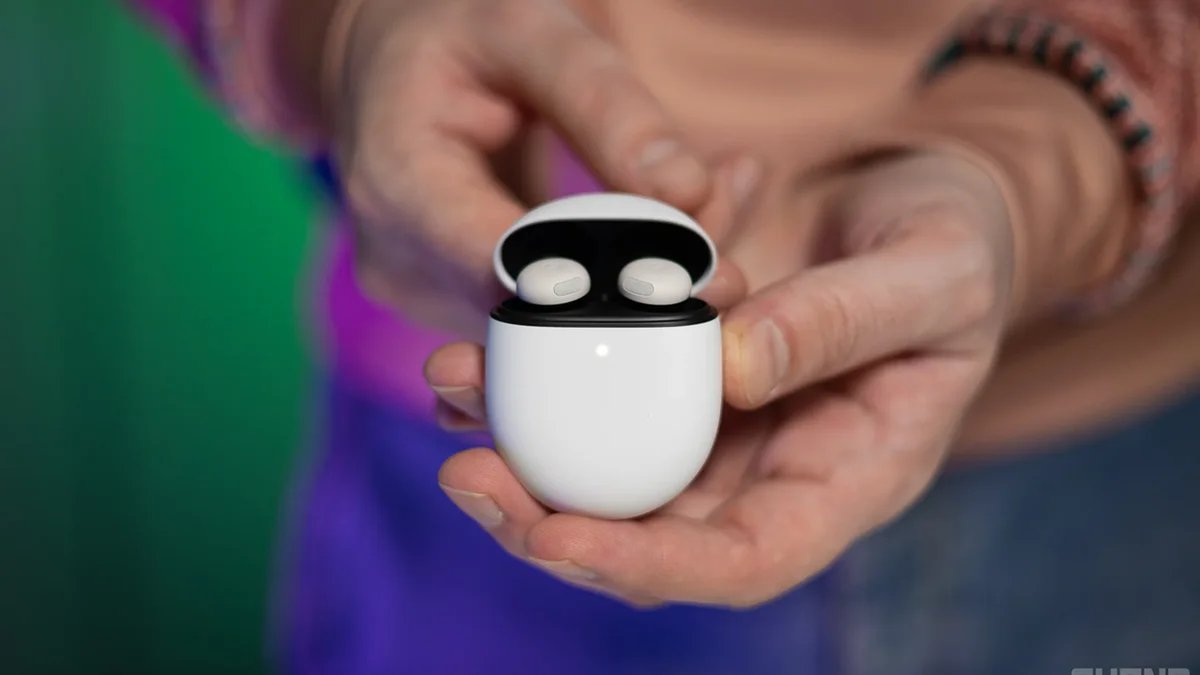
A fresh “gradient” icon for your home screen
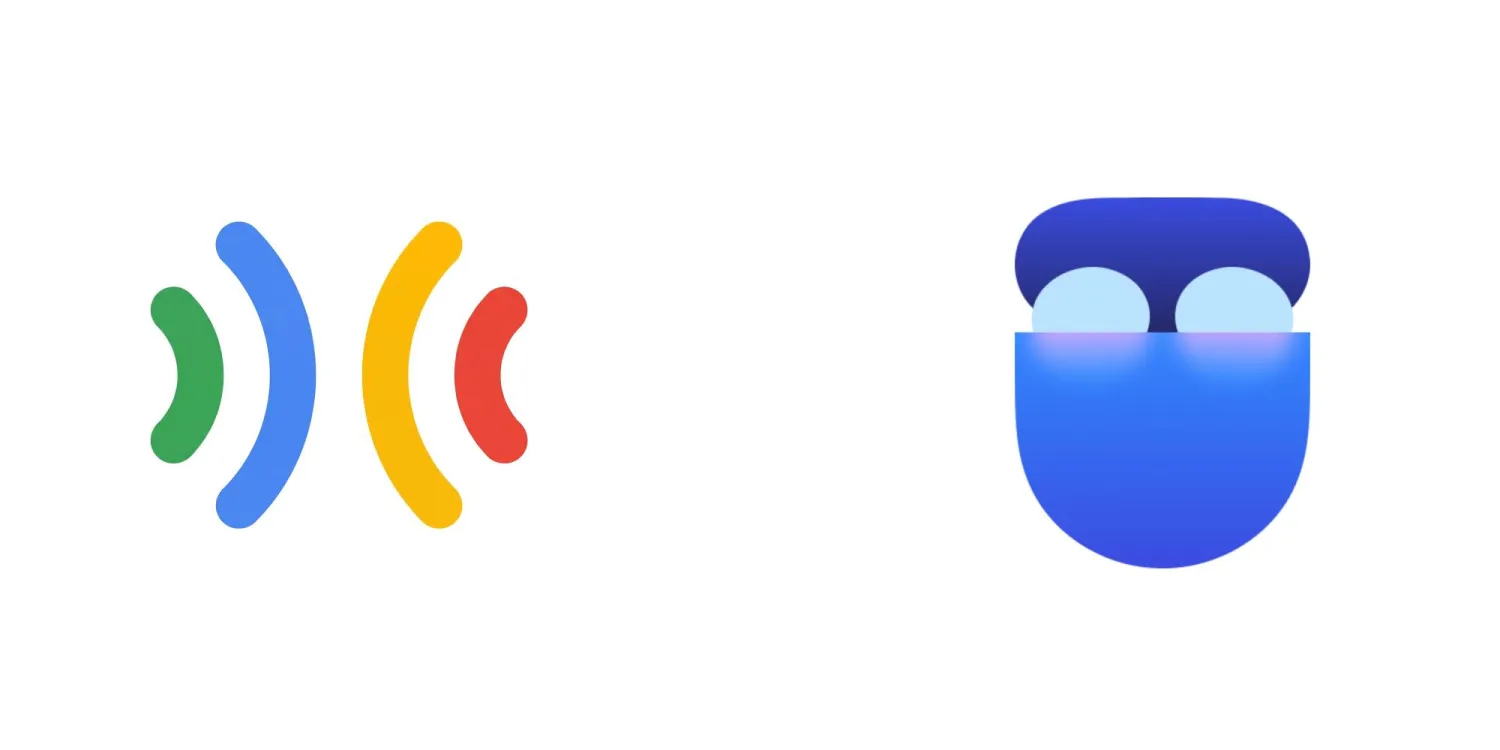
The new Pixel Buds home icon vs the old one | Image by 9to5Google
The Pixel Buds icon is the first and most immediate change. The app icon now features the same modern look as the other refreshed “gradient” icons and won’t stick out on your Pixel’s home screen like a sore thumb.The icon in question, which you can see above, now sports a very stylized look with three tones of blue and a touch of purple. The lines are curved, and I personally think it looks better than the old one, which was just four curves in four different colors.
But the Pixel Buds app overhaul extends beyond a simple app icon redesign.
A new Landing Page
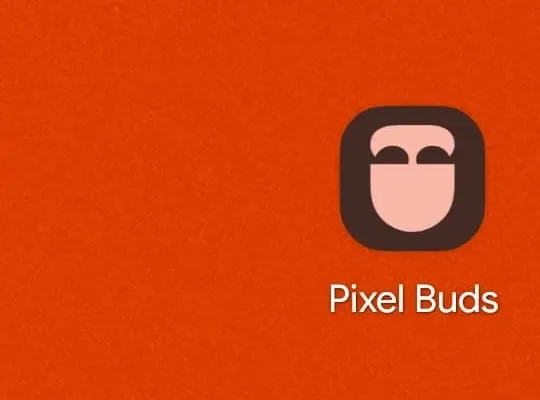
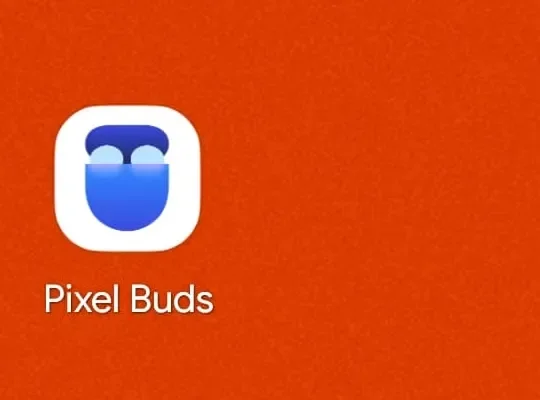
Another change, and a quality-of-life update, is the new Landing Page inside the app. It’s designed to help people owning multiple pairs of Pixel Buds to easily switch between them and manage the different paired buds.
Google also went the extra mile and made the colors of the icons on the Landing Page match the actual hues of your physical set of Pixel Buds. If you have the Porcelain color option and the Hazel one, for example, you will be able to easily recognize them and tell them apart at a glance.
Here’s what Google has to say about it:
Our users wanted a dedicated, personal entry point for a true Pixel Buds experience—and this is it. We aim to continually improve our products and address the feedback from our Android community.
The update is rolling out now
According to the official press release, the new Pixel Buds app overhaul is rolling out as you read this. It carries version number 1.0.915175631, and it already landed on some Pixel phones, but in typical Google fashion, it is a timed rollout, so keep an eye on the Play Store.
Have you already received the update, and do you like the new look and Landing Page? Share your thoughts in the comments below.
PhoneArena’s take
Google is trying to shift away from the previous minimalistic icon design, and the company is apparently doing it in chunks.
I think it would’ve been better if Google just rolled out the whole new design in one big update. Now people are getting new icons from time to time and have to adjust to the change each time a new app receives this new “gradient” look.
As for the update itself, it’s nice for people with more than one pair, but it’s a niche case. I would’ve preferred more EQ settings or new AI features for the buds. But hey, a modest update, bringing new features, is still better than no update at all.
