

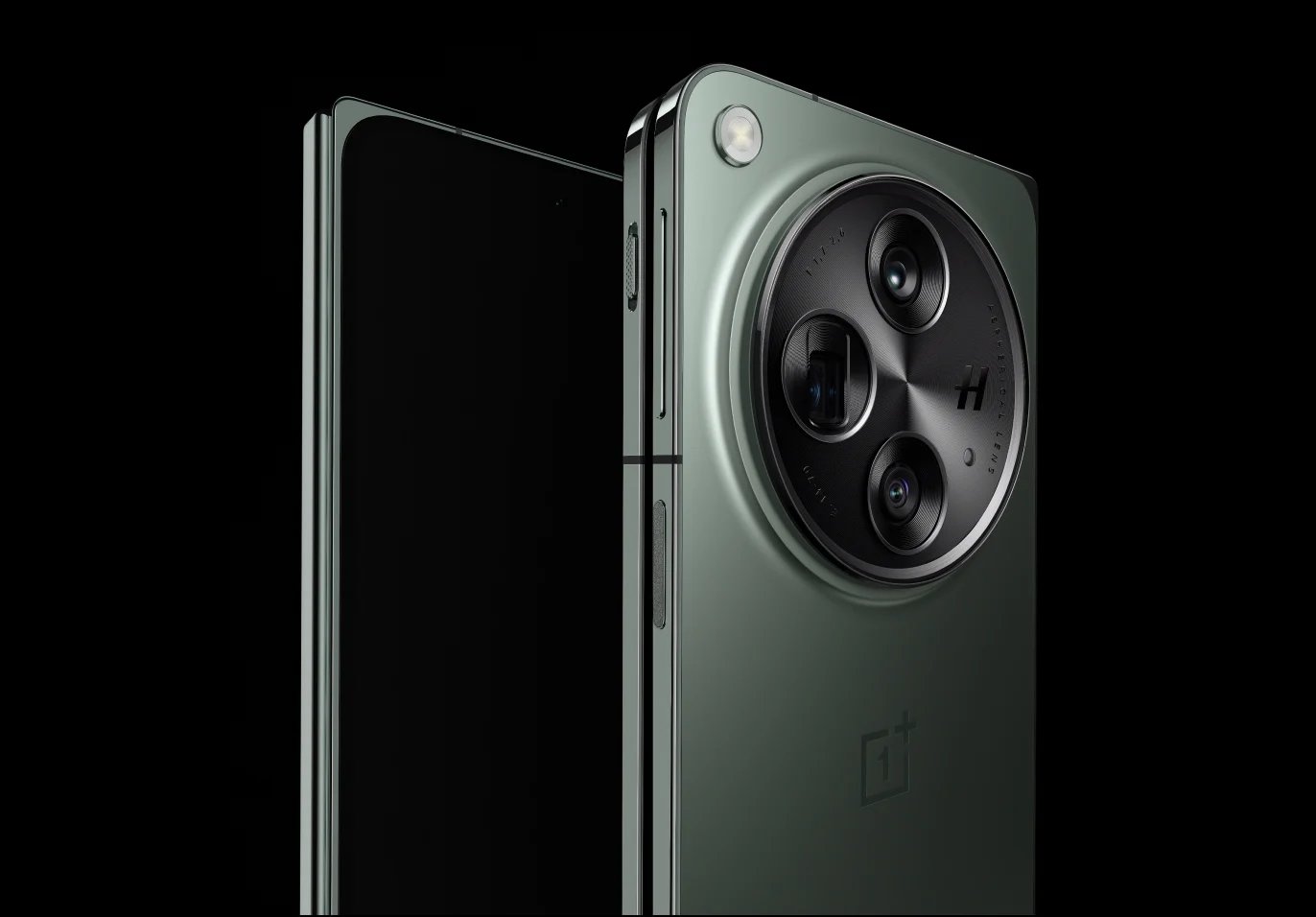
The stable OxygenOS 16 update is rolling out globally for the OnePlus Open foldable, starting with the IN region today. The build number is CPH2551_16.0.0.201(EX01). This update focuses on two main areas: making the phone feel faster and stuffing it with smart AI features.
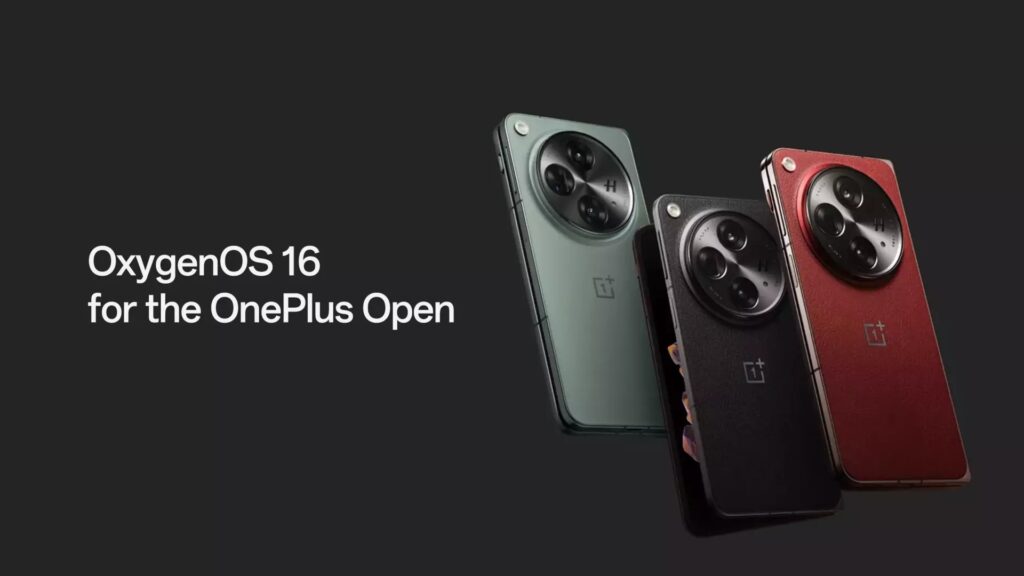
The update comes with the new Parallel Processing system, which delivers smoother interactions. Animations for system apps now start and end logically, and dragging and dropping items like icons or widgets on the Home screen is much more fluid. The text selection magnifier and new UI controls also feature smoother animations. Meanwhile, the Trinity Engine optimizes how the phone uses power, ensuring stable performance for demanding tasks like gaming and camera use. Apps now launch faster, photo albums load quicker, and a tiered Power Saving Mode adapts performance based on the battery level.
AI is everywhere in this update. Mind Space now lets you use the Plus Key to record voice notes and features a Mind Assistant to search content. AI-powered Photos offers new video editing tools including splitting, merging, adjusting speed, and adding music, plus the ability to create motion photo collages without losing HDR quality. AI Recorder can now automatically detect if you are in a meeting or lecture and apply the right template, and it uses noise cancellation to boost voices. The system gains a full AI Writer to help generate text across system apps, alongside smarter AI VoiceScribe and Call Summary features that offer alternative summary templates and easy sharing options.
Visually, the update introduces the Luminous Rendering Engine, bringing real-time light field effects and immersive weather visuals. The Flux Home screen has new icon styles, a cleaner grid, and lets you resize icons and rearrange pages. You can now use a maximum of five apps in the dock. Connectivity improves with OnePlus Connect, enabling seamless PC mirroring, cross-device file searching, and clipboard sharing. For privacy, you can now touch and hold any app icon on the Home screen to quickly lock or hide it. The system also includes a dedicated settings page for all AI features and adds Bosnian as a supported system language.
Don’t miss a thing! Join our Telegram community for instant updates and grab our free daily newsletter for the best tech stories!
For more daily updates, please visit our News Section.
(Source)
