

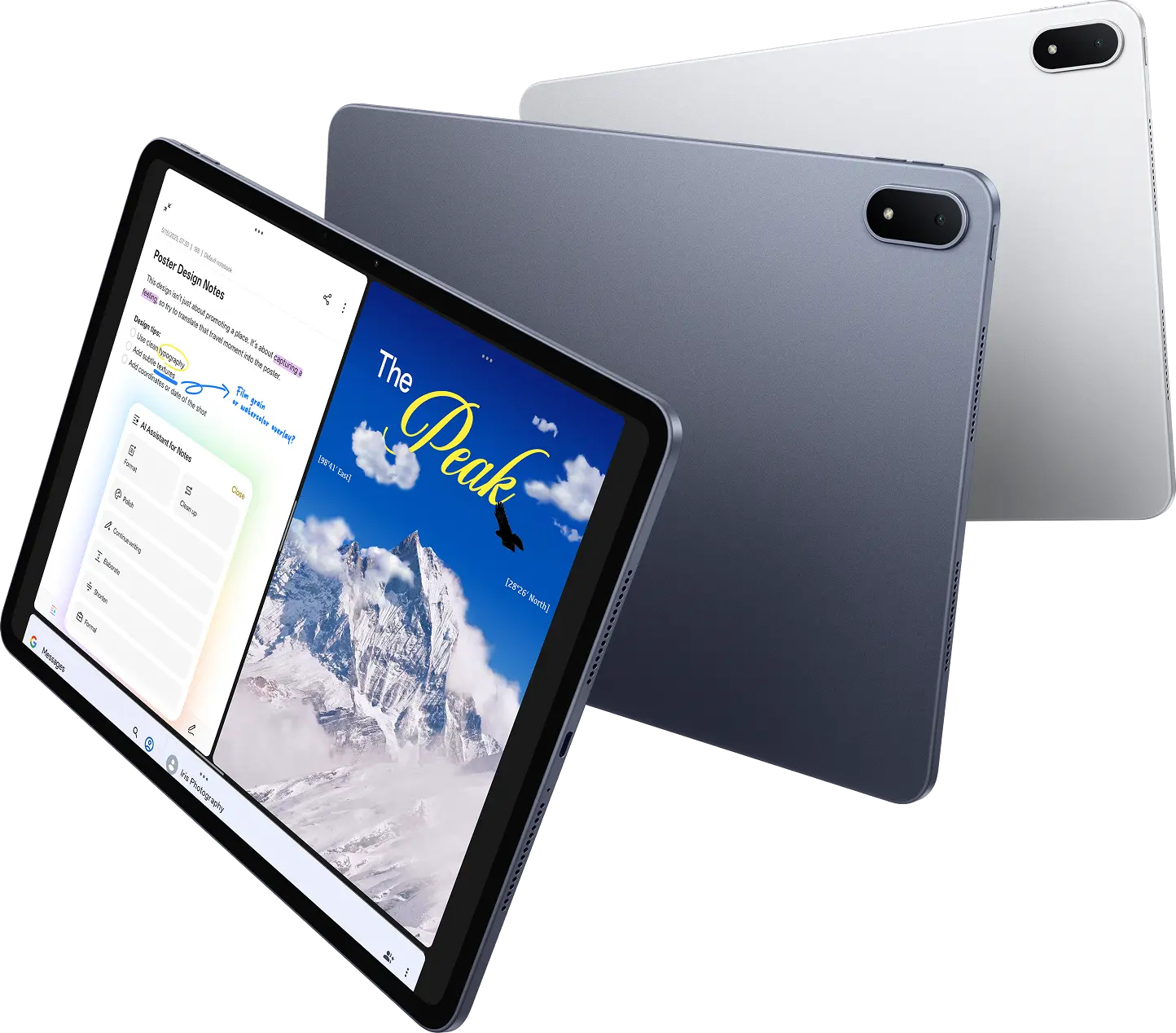
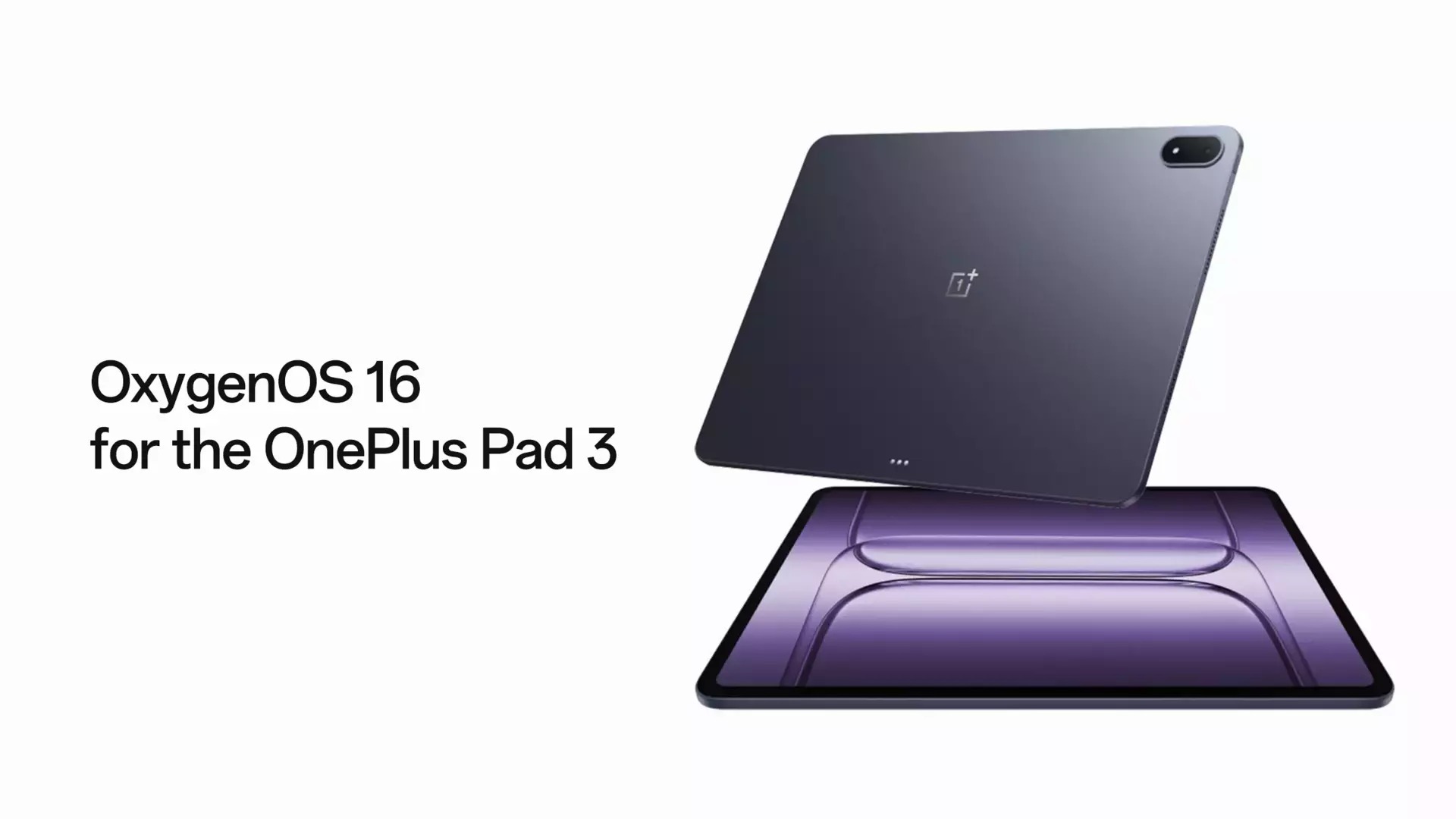
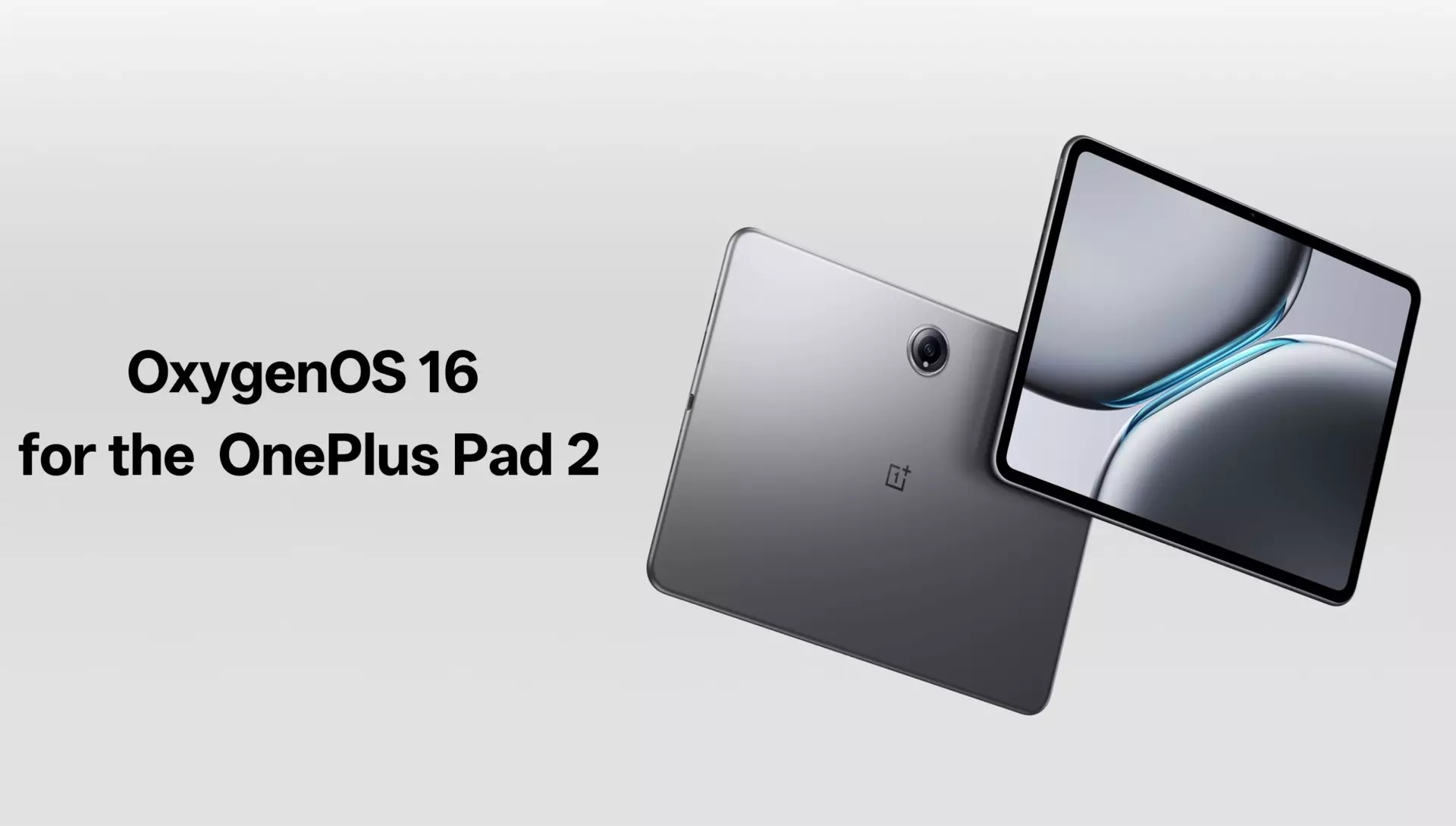
OnePlus has started rolling out OxygenOS 16 for the OnePlus Pad 2 and Pad 3 in India. The update runs on Android 16 and will reach other regions soon. The Pad 2 gets build number OPD2403_16.0.0.202(EX01), while the Pad 3 receives OPD2415_16.0.0.211(EX01).
Faster System Performance
The update makes animations, scrolling, and touch response smoother. You can now drag and drop icons, widgets, folders, and the Smart Sidebar more easily. The text selection magnifier fades in and out cleanly. Opening the notification drawer or Quick Settings no longer causes jarring status bar transitions. Audio controls in Quick Settings animate better. The new swipe-back gesture shows you the previous page as you swipe and lets you stop mid-action. App launches and exits look more consistent, and scrolling follows your finger more accurately.
Trinity Engine Improvements
The Trinity Engine now handles power and performance automatically during gaming, video playback, and multitasking. Apps open faster, photo albums load quicker while using less battery, and video previews run smoother in supported apps. Power Saving Mode adjusts performance based on how much battery you have left.
New AI Tools
The Photos app has a cleaner layout with better navigation and album sorting. Video editing now includes trimming, transitions, speed adjustment, and background music. You can turn motion photos into slow-motion clips. AI Portrait Glow fixes lighting in tough conditions. Notes supports block editing, text highlighting, and quick formatting with fonts and colors. The Recorder app removes background noise, detects whether you’re in a meeting or lecture, and lets you share audio files and transcripts. AI Writer creates summaries, speeches, posts, or notes with tone options and proofreading.
Interface Changes
Flux Home screen adds redesigned icons, organized grids, and resizable icons with large folder options. Flux themes include motion wallpapers like Sublime Grandeur and custom Lock screen text. The One Serif font makes text easier to read. Apps like Clock, Calculator, and Compass look more realistic.
Better Connectivity
OnePlus Connect now shares clipboard content between devices. My Devices in Quick Settings controls connected gadgets, with new widgets for easier management. Wi-Fi works better in weak signal areas. Floating windows support two apps simultaneously. Quick Settings gets customizable 2×1 tiles for brightness, audio, and device controls.
If you haven’t received the update notification yet, you can check for it manually by navigation to Settings > System > Software Update.
For more daily updates, please visit our News Section.
Stay ahead in tech! Join our Telegram community and sign up for our daily newsletter of top stories.
(Source: 1, 2)
