

Writing code at a fast pace often leads to formatting issues. Missing spaces, inconsistent line breaks, and messy indentation make scripts hard to read. This problem becomes even worse when you have to work with compressed or minified files from third-party libraries.
A high-quality JavaScript beautifier tool solves this problem in a single click. It parses your unformatted scripts and converts them into a clean, structured layout. This makes debugging much faster and improves collaboration across development teams.
In this comprehensive guide, we will analyze the five best JavaScript beautifier tools available online. We will look closely at their core features, performance, user interface options, and pros and cons.
Why Code Formatting Matters for Modern Web Projects
Clean code is not just about visual appeal. It plays a massive role in project maintenance, debugging speed, and long-term software stability. When code is structured properly, syntax errors and logical flaws become instantly visible to the human eye.
Many web projects rely on minified scripts to reduce file sizes and improve page load speeds. However, minifying removes all spacing, line breaks, and comments, turning your code into a single, unreadable block. According to the official MDN Web Docs, maintaining structured, well-documented source code is an essential industry standard for collaborative development.
Using an automated code formatter ensures that your entire team follows identical style rules. It removes personal arguments about bracing styles or indentation sizes from the development process. Instead, developers can focus completely on building core features and solving logical problems.
1. Code Beautify JavaScript Viewer
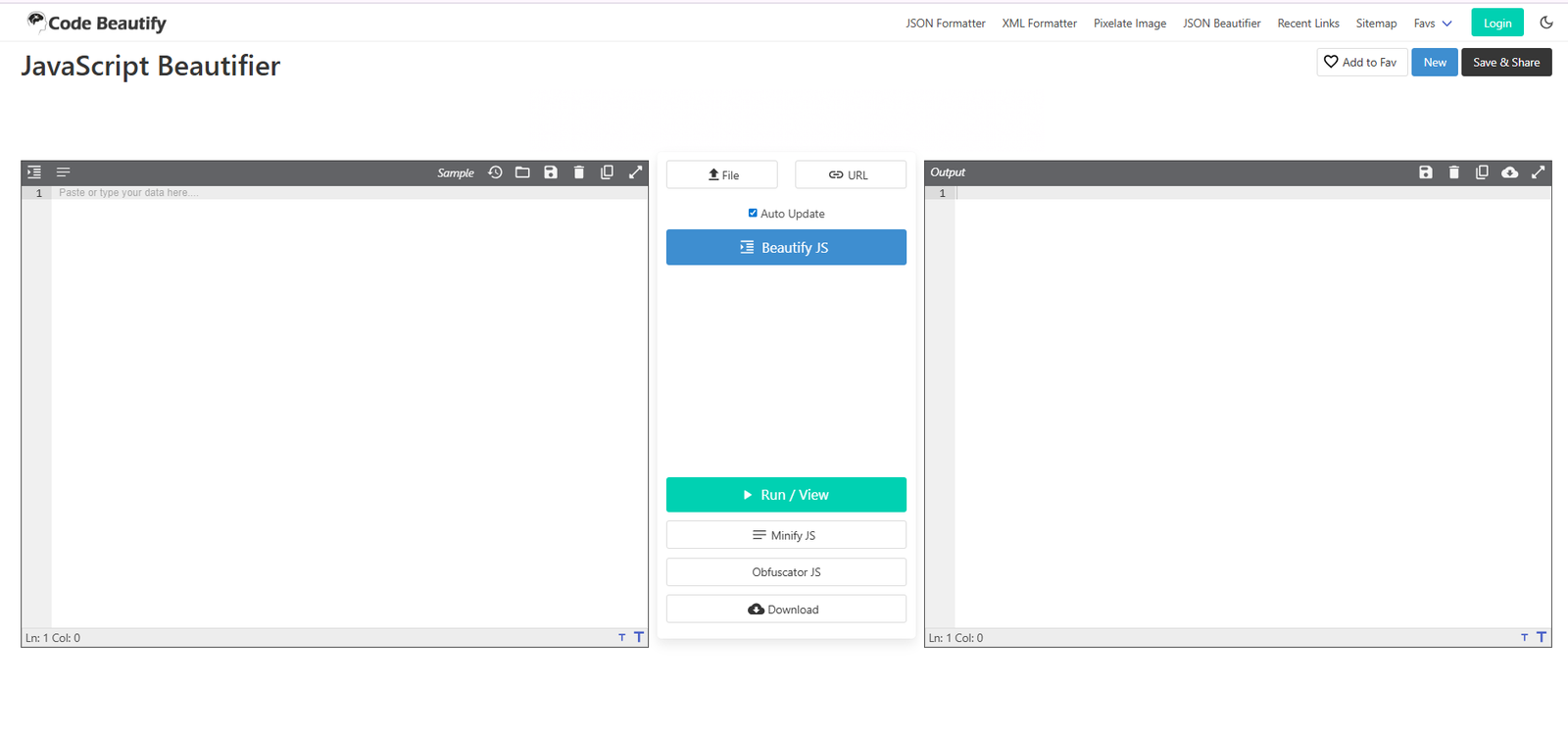
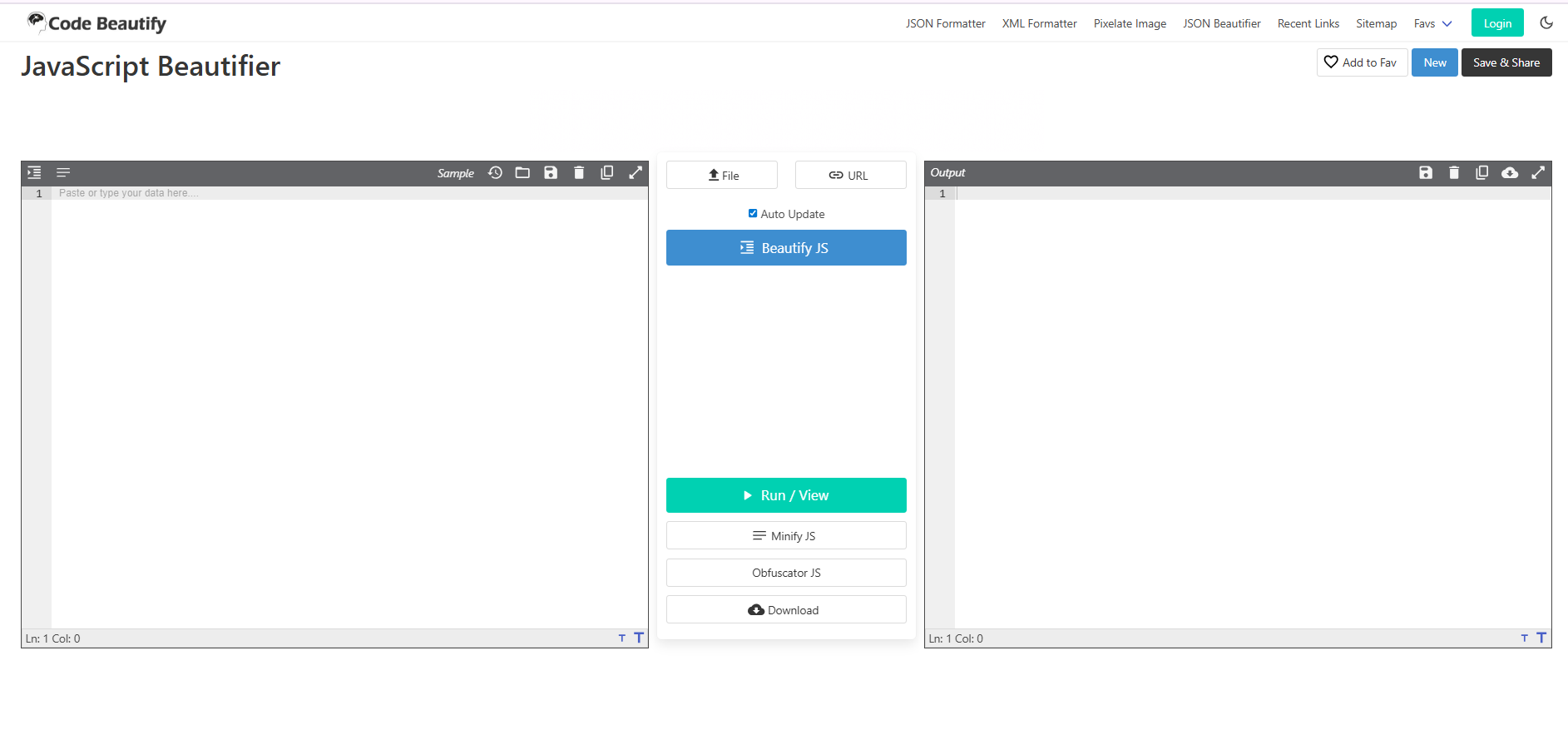
Code Beautify is a highly interactive, feature-rich web platform built for deep code analysis. It offers a sophisticated dual-panel interface that provides complete control over your scripts. This makes it an excellent choice for complex debugging environments.
Core Features
-
Dual-Panel Workspace: Displays your messy input code on the left and your beautifully formatted output code on the right side.
-
Multiple Input Options: Allows you to type code directly, open local files from your hard drive, or load scripts directly from a live web URL.
-
Multi-Function Utilities: Includes built-in secondary options to minify or obfuscate your JavaScript instantly from the same screen.
-
File Exporting: Features a one-click download button to save your formatted output directly as a new .js file.
Pros
-
Side-by-side view makes it incredibly simple to compare structural changes.
-
Excellent flexibility for loading code through multiple methods.
-
High level of utility with options to toggle between formatting and minifying.
-
Clear column and line numbers help you trace specific code locations easily.
Cons
Ideal Use Case
This utility is ideal for full-stack developers and software engineering teams who require deep visual comparisons and file export features.
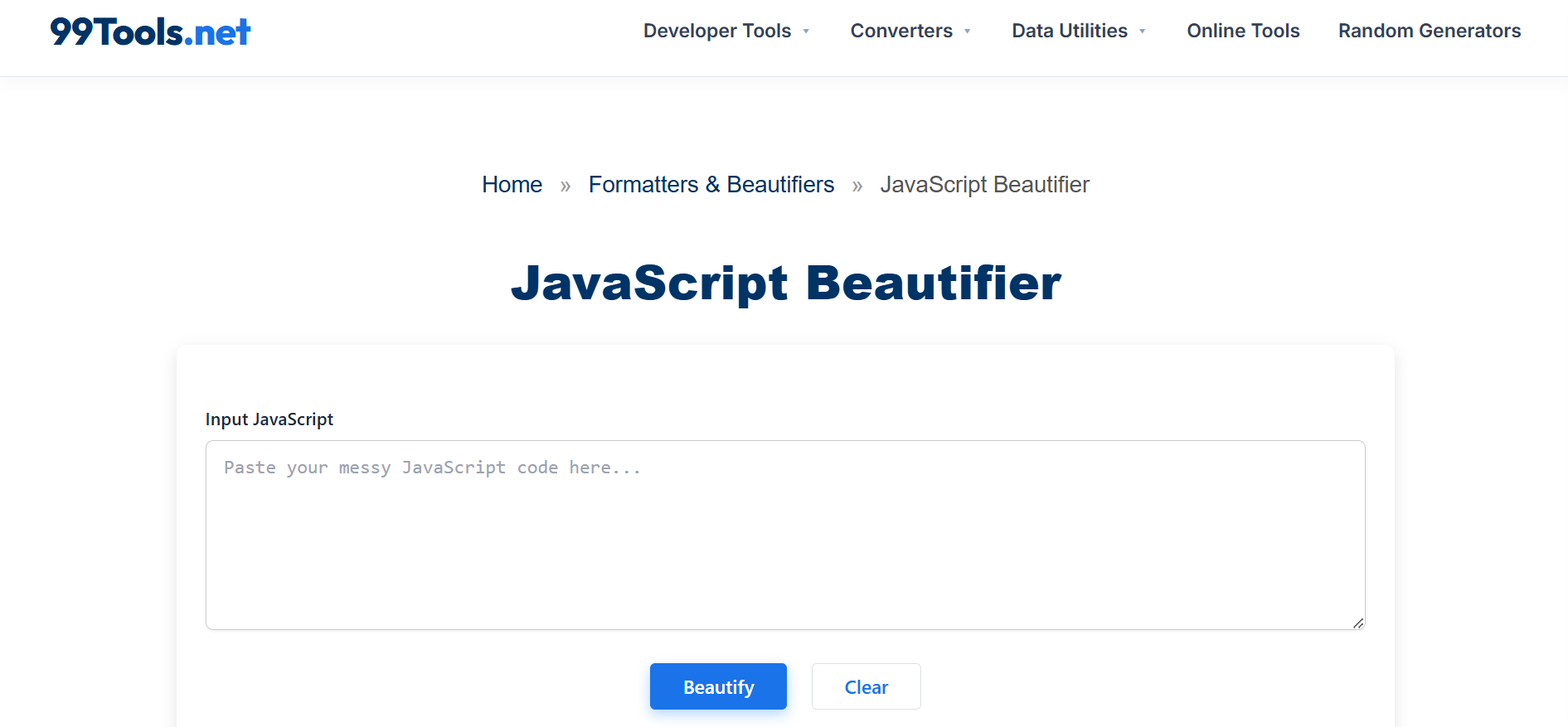
The 99Tools JavaScript Beautifier is a modern, lightweight web utility designed for maximum speed and simplicity. It features a highly streamlined interface that prioritizes data privacy and rapid execution. The tool focuses entirely on processing code immediately without any distracting visual clutter.
Core Features
-
Local Client-Side Processing: The tool runs entirely inside your web browser using client-side scripts. Your source code is never uploaded to an external server, keeping proprietary algorithms fully secure.
-
One-Click Execution: It features a highly visible, centered action button that formats massive text inputs instantly.
-
Responsive Layout: The interface adapts perfectly to different screen sizes, making it easy to use on laptops, tablets, or desktop monitors.
-
Instant Clear Function: A dedicated reset button allows you to wipe the input box clean and start a new formatting task immediately.
Pros
-
Exceptional data privacy because your scripts remain local to your browser session.
-
Simple, minimalist user interface with zero learning curve for beginners.
-
Blazing fast execution speeds even when handling larger script files.
-
Free from heavy background scripts or distracting elements.
Cons
Ideal Use Case
This tool is perfect for web designers, developers, and SEO managers who need to clean up sensitive code blocks quickly and safely without risk of data leaks.
3. JSON Formatter JSBeautifier
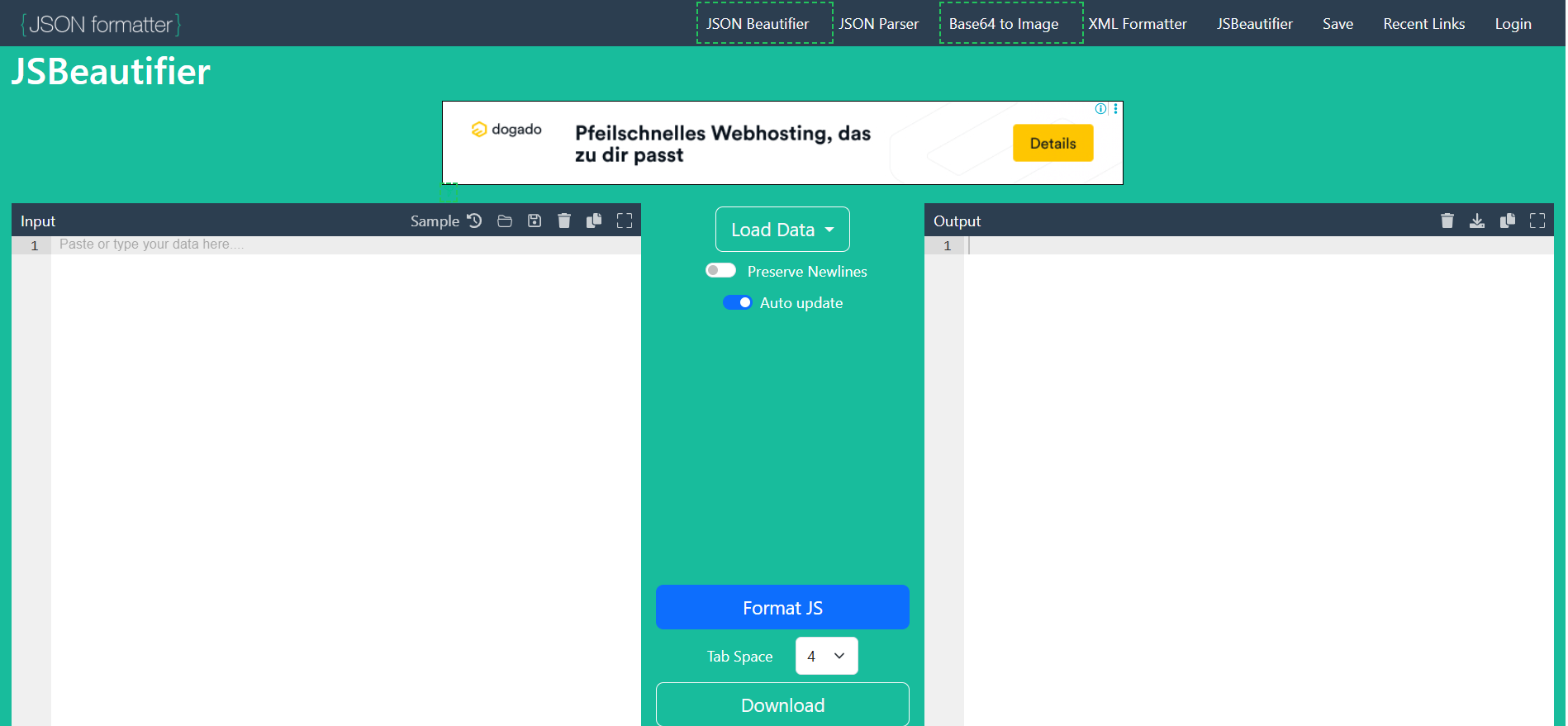
The JSON Formatter JSBeautifier platform delivers a smooth, modern layout tailored for web developers and script editors. It pairs a clean turquoise aesthetic with robust formatting logic. The workspace emphasizes clear text visibility and simple configuration adjustments.
Core Features
-
Interactive Code Editors: Uses advanced text areas with built-in line numbers and syntax highlighting support.
-
Custom Tab Spacing: Includes a dedicated drop-down menu to set your preferred indentation size to 2, 3, or 4 spaces.
-
Preserve Newlines Toggle: Features an option switch to keep or remove intentional line breaks from your source file.
-
Auto-Update Mode: Automatically formats your code as you type or paste without requiring manual button clicks.
Pros
-
Auto-update function provides instantaneous feedback while editing.
-
Adjustable tab spacing helps match the exact style guides of your specific project.
-
Dual-panel interface provides excellent clarity during long editing sessions.
-
Copy-to-clipboard shortcuts speed up your daily coding workflow.
Cons
Ideal Use Case
An outstanding choice for front-end developers and web designers who want to tweak layout styles and indentation spaces on the fly.
4. Beautifier.io(JS-Beautify)
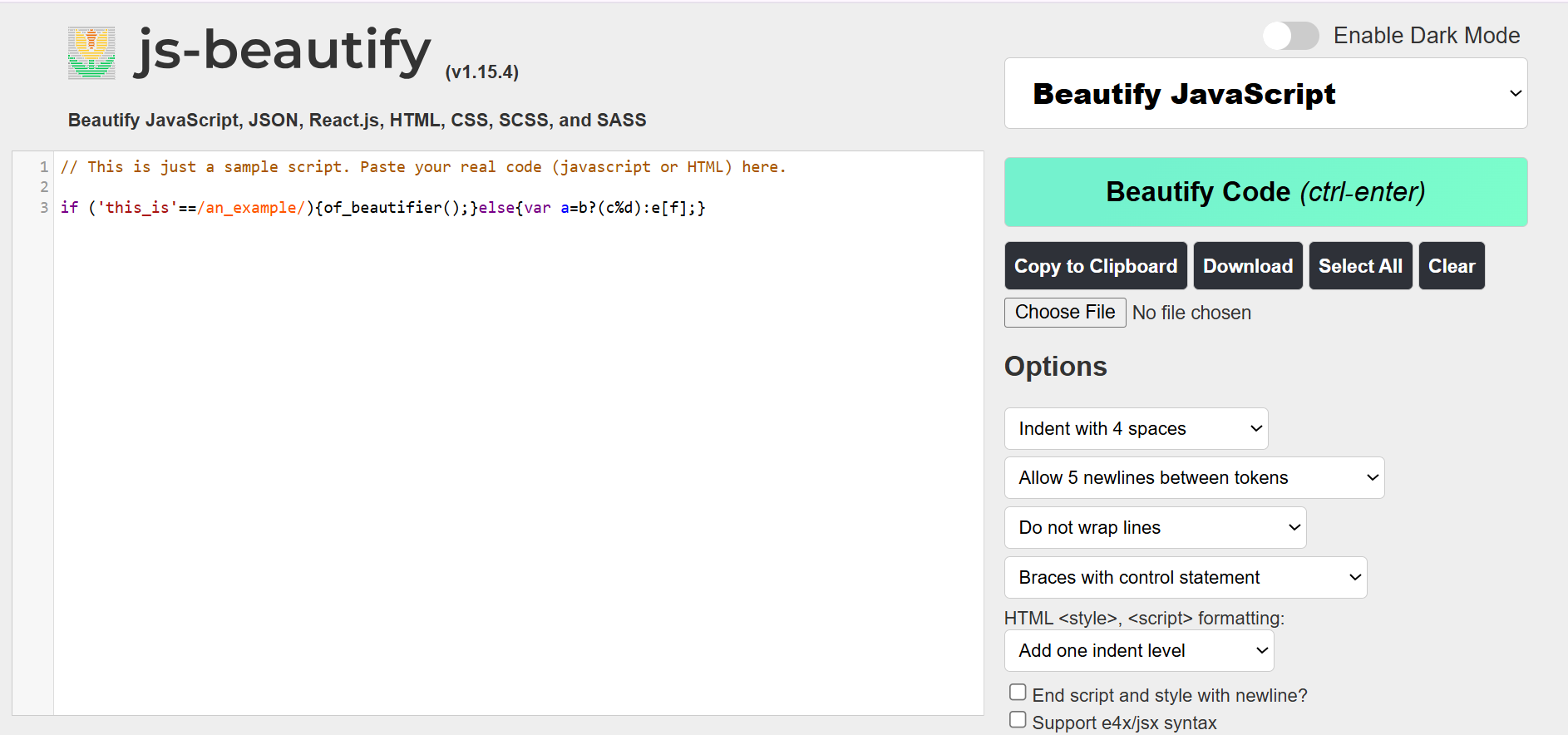
Beautifier.io is powered by the classic open-source js-beautify library, making it one of the most accurate formatters online. It provides an absolute wealth of granular settings. It is designed specifically for users who want complete control over every single character rule.
Core Features
-
Granular Options Panel: Offers extensive drop-down menus for wrapping rules, brace styles, and newline placement.
-
Framework Support: Handles modern JavaScript variations smoothly, including React.js JSX syntax, JSON, and stylesheets.
-
Keyboard Shortcuts: Supports native control commands like Ctrl + Enter to trigger code beautification instantly.
-
Dark Mode Toggle: Includes a simple interface switch to change between light and dark themes to reduce eye strain.
Pros
-
Unmatched configuration options for highly specific formatting preferences.
-
Full compatibility with modern JavaScript frameworks and language extensions.
-
Light and dark themes provide a highly comfortable user experience at night.
-
Industry-standard formatting logic used by major code extensions globally.
Cons
Ideal Use Case
The ultimate choice for advanced JavaScript developers and software architects who require exact adherence to strict organizational coding standards.
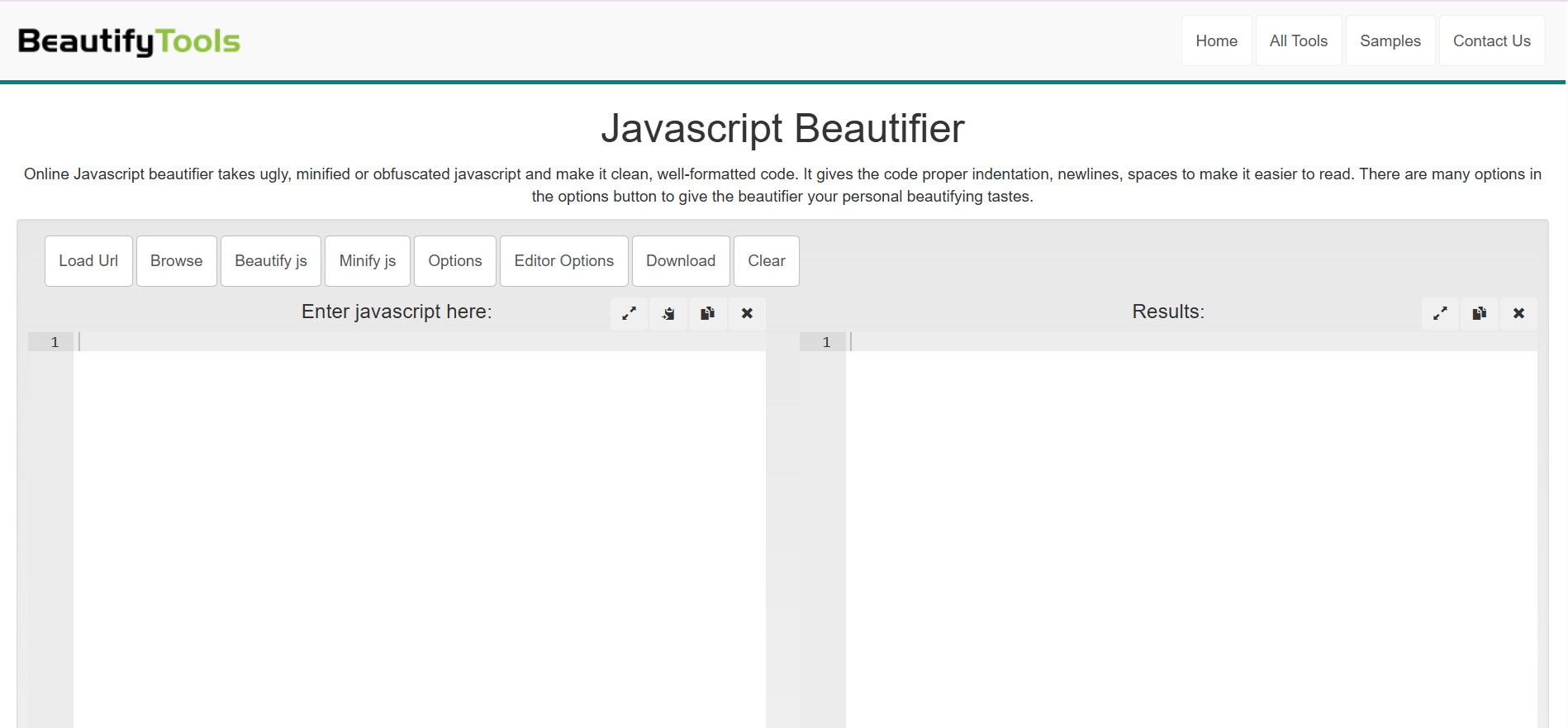
BeautifyTools offers a highly practical, utility-driven workspace for handling unformatted web scripts. It features a clean top menu bar paired with standard side-by-side text boxes. The system is built to process raw text data efficiently without unnecessary visual distractions.
Core Features
-
Horizontal Option Bar: Places all primary function controls cleanly along the top edge of the coding workspace.
-
Editor Options Control: Allows users to configure font sizes and line wrapping parameters within the text panels.
-
URL Data Loading: Can fetch and display remote JavaScript code directly from any public web address.
-
Integrated Minifier: Features an immediate toggle to compress your clean files back into production-ready formats.
Pros
-
Neat horizontal placement of buttons maximizes the width of code viewing panels.
-
Font adjustments make reading long scripts much easier on the eyes.
-
Reliable parsing engine handles heavily obfuscated code structures easily.
-
Clean design limits accidental clicks during fast operations.
Cons
Ideal Use Case
A highly reliable alternative for programmers and system administrators who want a simple, wide workspace to unpack remote third-party scripts.
Actionable Tips for Maintaining Clean Code
Using an online JavaScript beautifier tool is excellent for quick fixes, but building long-term coding habits is even better. Here are three actionable tips to keep your programming projects clean and easy to read:
-
Configure Format on Save: If you utilize a desktop code editor like VS Code, activate the “Format on Save” setting in your preferences. This automates the beautification process every single time you save your file.
-
Use Version Control Checks: Set up pre-commit hooks using tools like Husky or Prettier in your repository workflow. This ensures that no team member can push poorly formatted code into your main project branch.
-
Verify Tool Privacy: When working on sensitive business applications, always confirm that your chosen formatting tool operates locally. Avoid uploading proprietary business logic to unverified remote servers.
Conclusion
Finding the best JavaScript beautifier tool comes down to your personal daily workflow requirements. If you value absolute data privacy, extreme simplicity, and fast operation, 99Tools is an exceptional choice. For deep comparative analysis and multi-file handling, platforms like Code Beautify or JSON Formatter offer fantastic depth.
Try loading your messiest script into a few of these tools today. See which user interface and formatting style fits your development routine perfectly.
Frequently Asked Questions (FAQs)
What is a JavaScript beautifier?
A JavaScript beautifier is a tool that reformats messy, unaligned, or compressed code. It automatically adds proper spacing, indentation, and line breaks. This process turns unreadable blocks of code into a clean and structured layout that is easy for humans to understand.
Does beautifying code affect my website load speed?
Beautifying code adds spaces and line breaks, which makes the file size slightly larger. For a live website, you should always use a minified version of your JavaScript to ensure fast loading times. Keep the beautified version on your computer for easy editing and debugging.
Is it safe to paste confidential code into online formatters?
Many modern web utilities, such as the 99Tools JavaScript Beautifier, process your data entirely within your local web browser. This means your script is never uploaded to an external server. However, you should always verify that a tool runs locally before pasting proprietary business logic.
What is the difference between minifying and beautifying?
Beautifying adds spacing and structure to make code highly readable for developers. Minifying does the exact opposite by stripping away all unnecessary characters, spaces, and comments. Minification shrinks the file size so web browsers can download the script much faster.
Can a JavaScript beautifier fix syntax or logical errors?
No, a code beautifier only changes the visual presentation of your script. It does not alter the actual logic or fix broken code syntax. If your script has a bug, you will still need to use debugging tools to find and fix the error.
Do these tools support modern JavaScript frameworks like React?
Yes, advanced formatters like Beautifier.io offer full compatibility with modern JavaScript variations, including React JSX syntax. If you work with modern frameworks, make sure to choose a tool that supports advanced parsing rules.
