

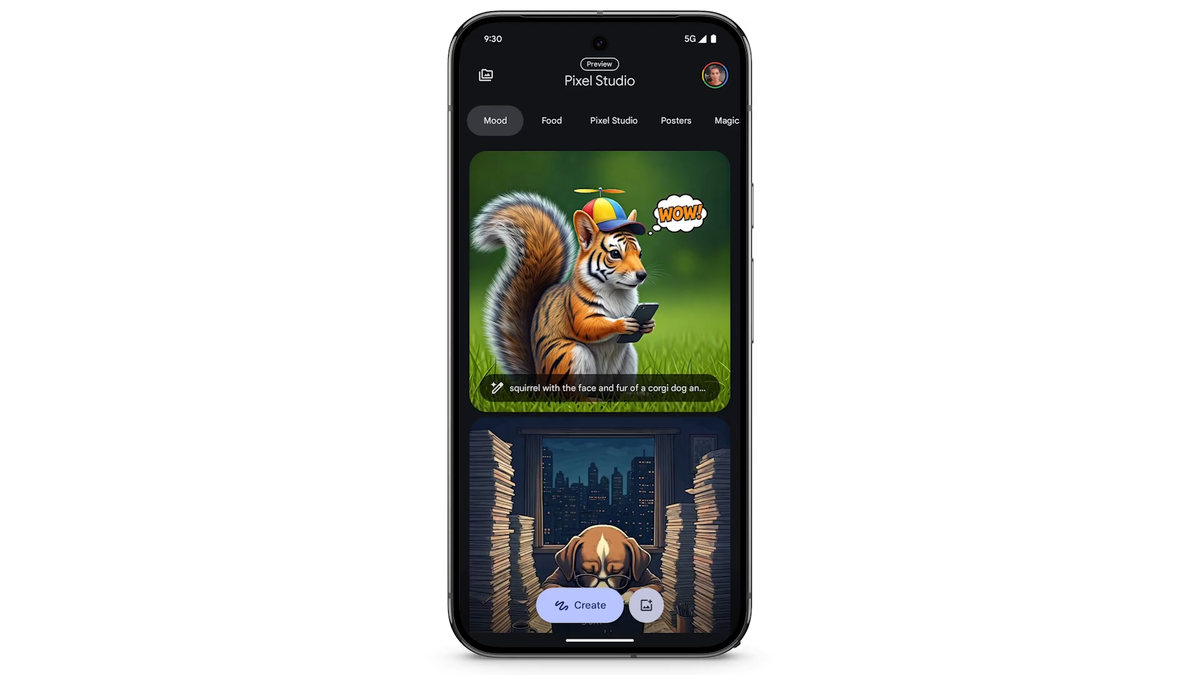
Bye bye, Pixel Studio
Pixel Studio is an AI-powered app that was launched along with the Pixel 9 series in 2024. It comes pre-installed on all the Pixel phones launched since then. It has one simple function: allowing you to create images, stickers, and other forms of artwork by just using a text prompt.
It’s worth noting that everything that you have created using this tool will remain available in its Library even after this shutdown. From there, you would have to download all your creations to your device before the app becomes completely unavailable. All that said, version 2.3, which essentially directs users to use Gemini, is being slowly rolled out worldwide.
The writing was on the wall
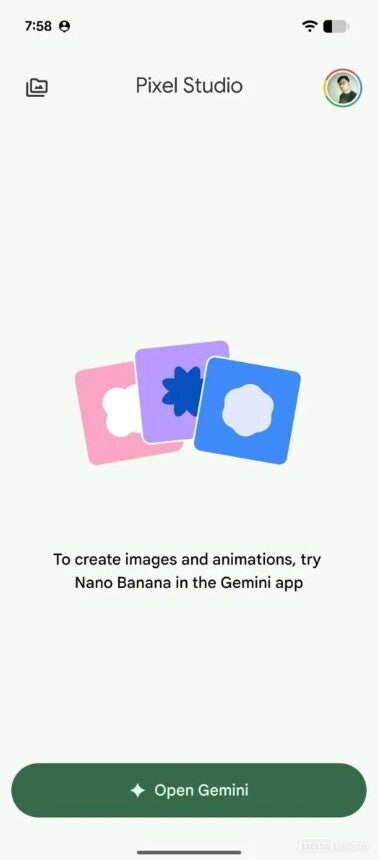
Pixel Studio app redirecting to Gemini. | Image by Android Authority
We have been getting hints for the last few months that Google might actually take some decision regarding the future of Pixel Studio. In February this year, it was reported that in some devices, version 2.2 of the app no longer supports the generative AI tools.
However, this change was most likely limited to certain regions, as I checked on my Pixel 10, and all the AI-related features of the app were working as usual. Either way, it was an indication that the tech giant has decided the future of this application.
Interestingly, in its just two years of lifespan, the tool has found itself in controversy a couple of times. When it became available for the first time in 2024, it was reported to be capable of creating some really disturbing images, which you would definitely not expect from a Google AI model.
Then, a few months ago, many Pixel 8 series users reported that the app was not available for the device even though this Google support page reportedly mentioned that Pixel Studio is supported on Pixel 8 and later phones. A couple of days after this report, the support page was eventually updated by mentioning that the app is available on Pixel 9 and later devices. Basically, the support for Pixel 8 phones was removed.
Use Gemini to create images
The gist is that Pixel Studio will no longer be able to create AI images, and now you will have to rely on Gemini. Thankfully, using the Gemini app for this purpose is a cakewalk. You simply need to open the Gemini app on your Pixel phone, tap the plus icon, and choose Images from the list.
You can choose one of the available templates and instruct the AI to create an image based on it. Alternatively, you can make it build a picture from scratch according to your template and design preference of your choice.
Another one bites the dust
Pixel Studio isn’t the first project that Google sent to its graveyard. If you check out the list, you will find that the company has shut down plenty of applications and features in the past. These include names like Google Podcasts, Google Hangouts, Google Duo, and many more. That said, the thing that is really making me upset about this news is that Pixel Studio worked without a subscription and allowed generating unlimited images. Gemini, on the other hand, can only produce 20 images per day without payment. So, if you are like me and produce a lot of AI images daily, you would have to now get a Gemini subscription to continue producing images once it reaches its daily free image generation limit.
